
Which iPhone GPS Speedometer App Fits Your Trip?
Choose an iPhone speedometer for a large display, trip records, HUD or navigation. Seven named apps, purchase boundaries and dated official sources.
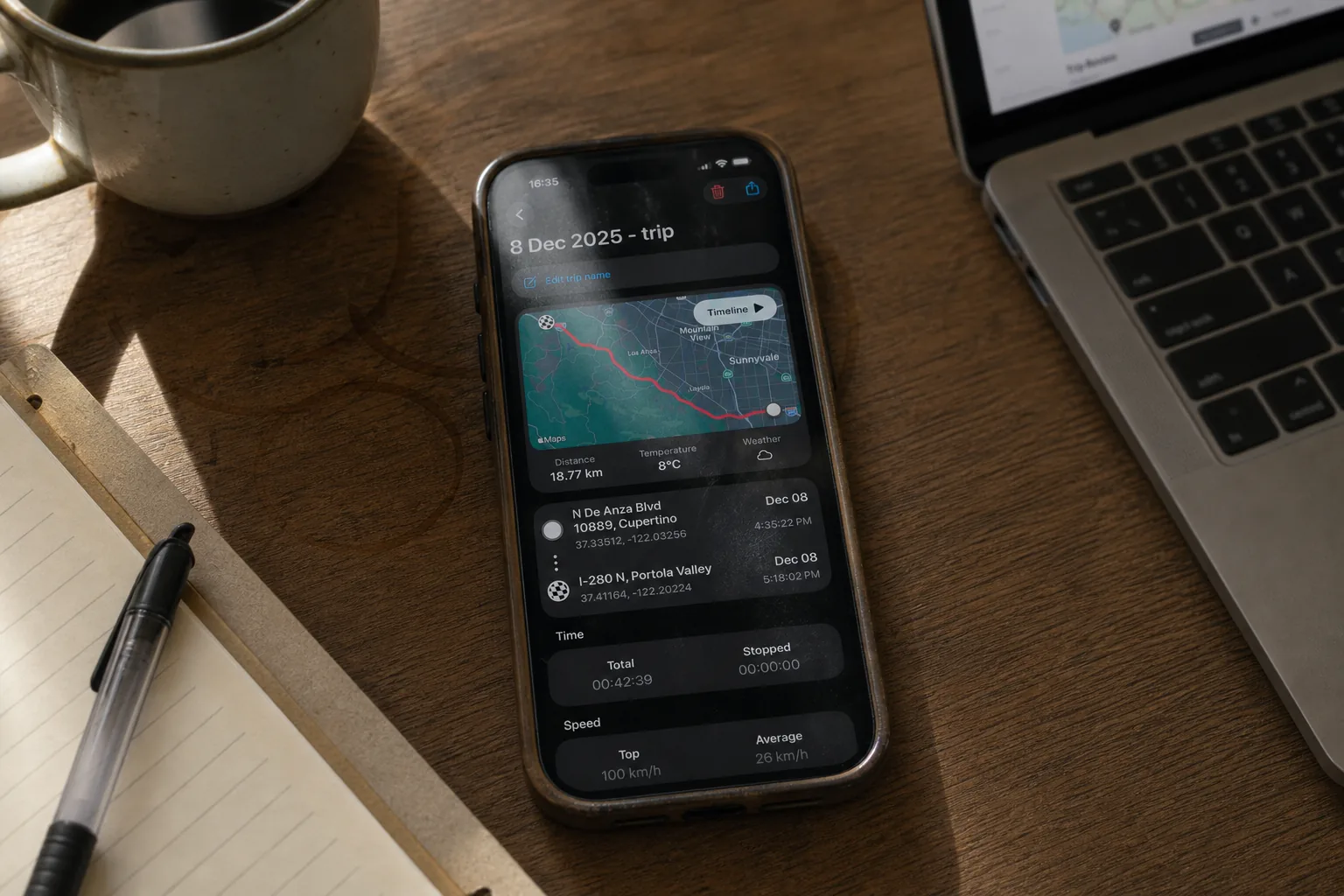
Table of Contents
We make GPS Speedometer MPH Tracker. This guide helps you choose among seven existing iPhone apps by the job you want to do. It is not an independent ranking or a road test.
We reviewed their official US App Store listings and selected developer help pages on 10 September 2026, matching each app by its numeric App Store ID. The shortlist covers dedicated speed displays, trip tools and a navigation alternative. Competitor features below are publisher descriptions, not functions we tested on a phone. Purchase availability can change; check the current screen for your region before paying.
Start with the task
- A quick reading without installing an app: try our browser speedometer, with location permission and a usable signal.
- A speed display or recorded trip on iPhone: compare the dedicated apps below, then check the features you need in the free version.
- Directions and traffic while driving: first consider the speed display in your navigation app, such as Waze.
For a compact feature comparison, see our app comparison. This guide explains why you might shortlist each app.
Speed displays and trip tools
GPS Speedometer MPH Tracker — recorded trips and an optional floating display
 GPS Speedometer MPH Tracker
Our app · ★ 4.7 on the U.S. App Store · Free on the App Store
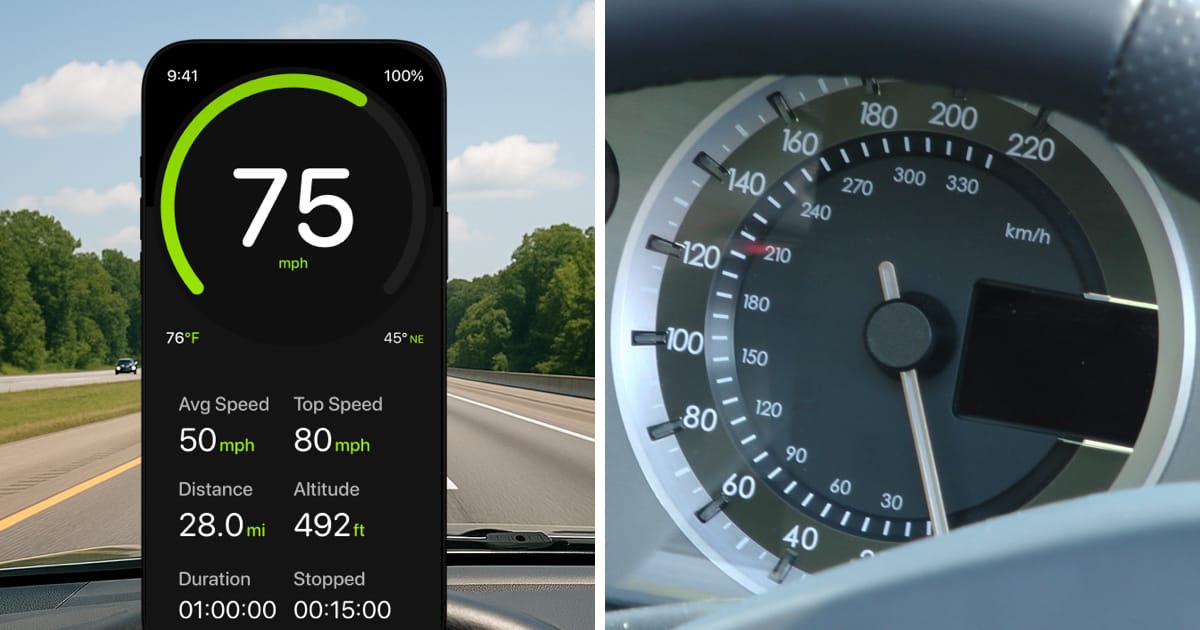
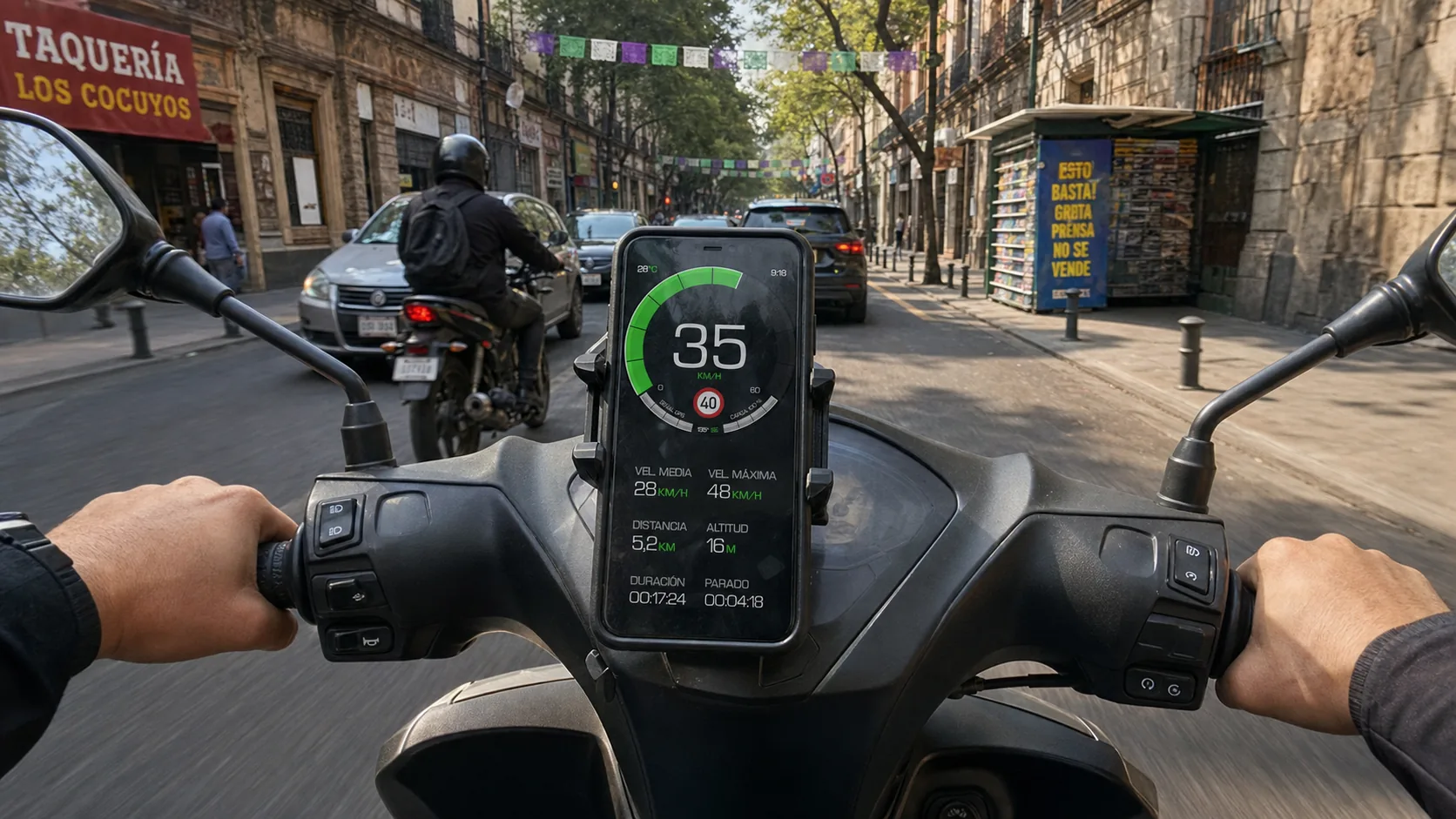
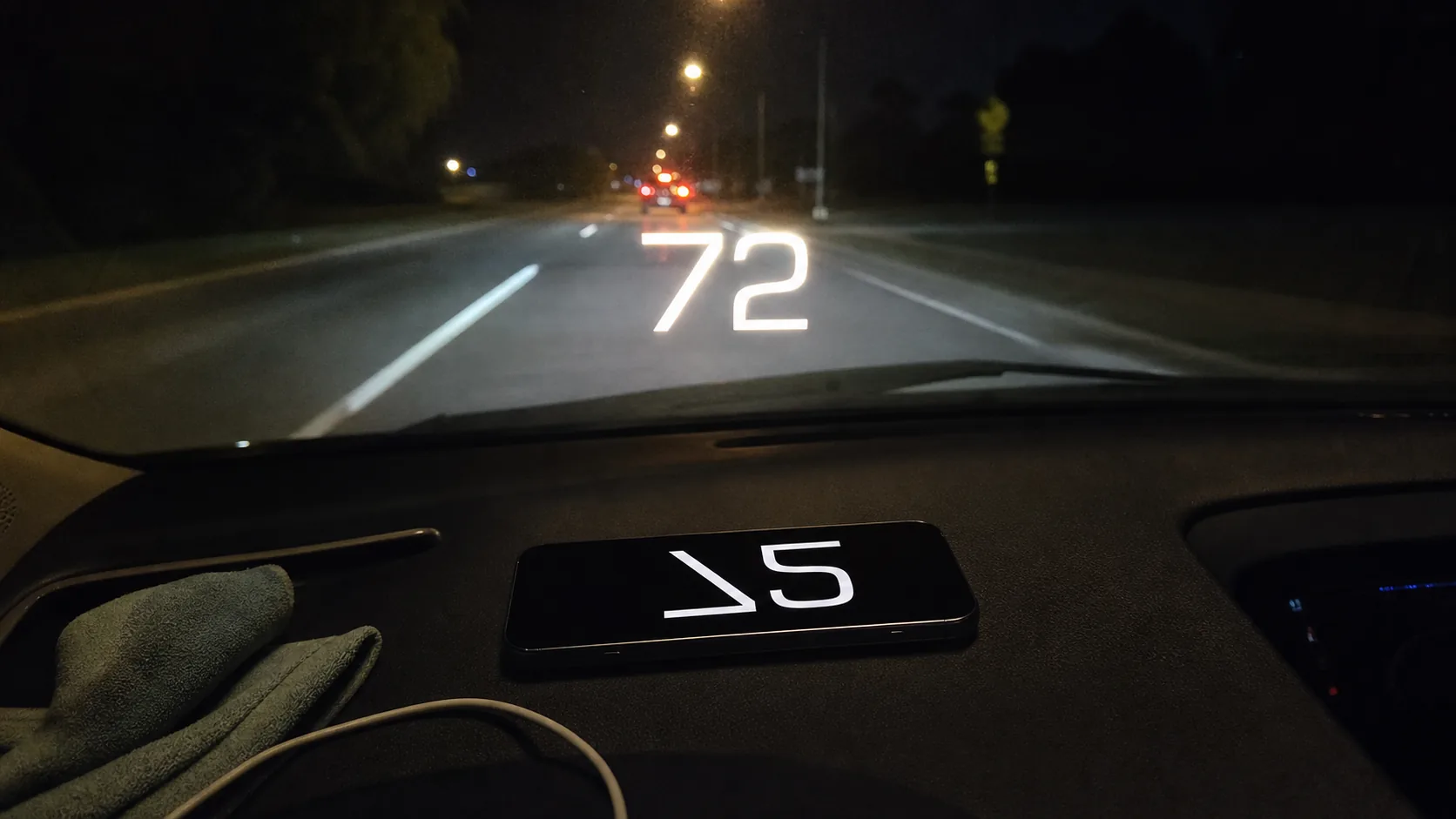
Our GPS Speedometer MPH Tracker combines GPS speed in mph, km/h and knots with basic trip statistics and a windshield HUD.
Recording, saving and basic viewing of trips are free. Detailed route playback and analysis require PRO.
Choose PRO if you need Picture-in-Picture, GPX sharing or detailed saved-trip analysis. Automatic road-speed-limit information also requires PRO and internet. Read the free and PRO breakdown for the feature you intend to use.
Free to download, with no ads. PRO is available through a subscription or a one-time purchase; both unlock the same PRO features. The price depends on your region and current offer; check Apple’s purchase screen.
Speedometer» — a large display with optional trip tools
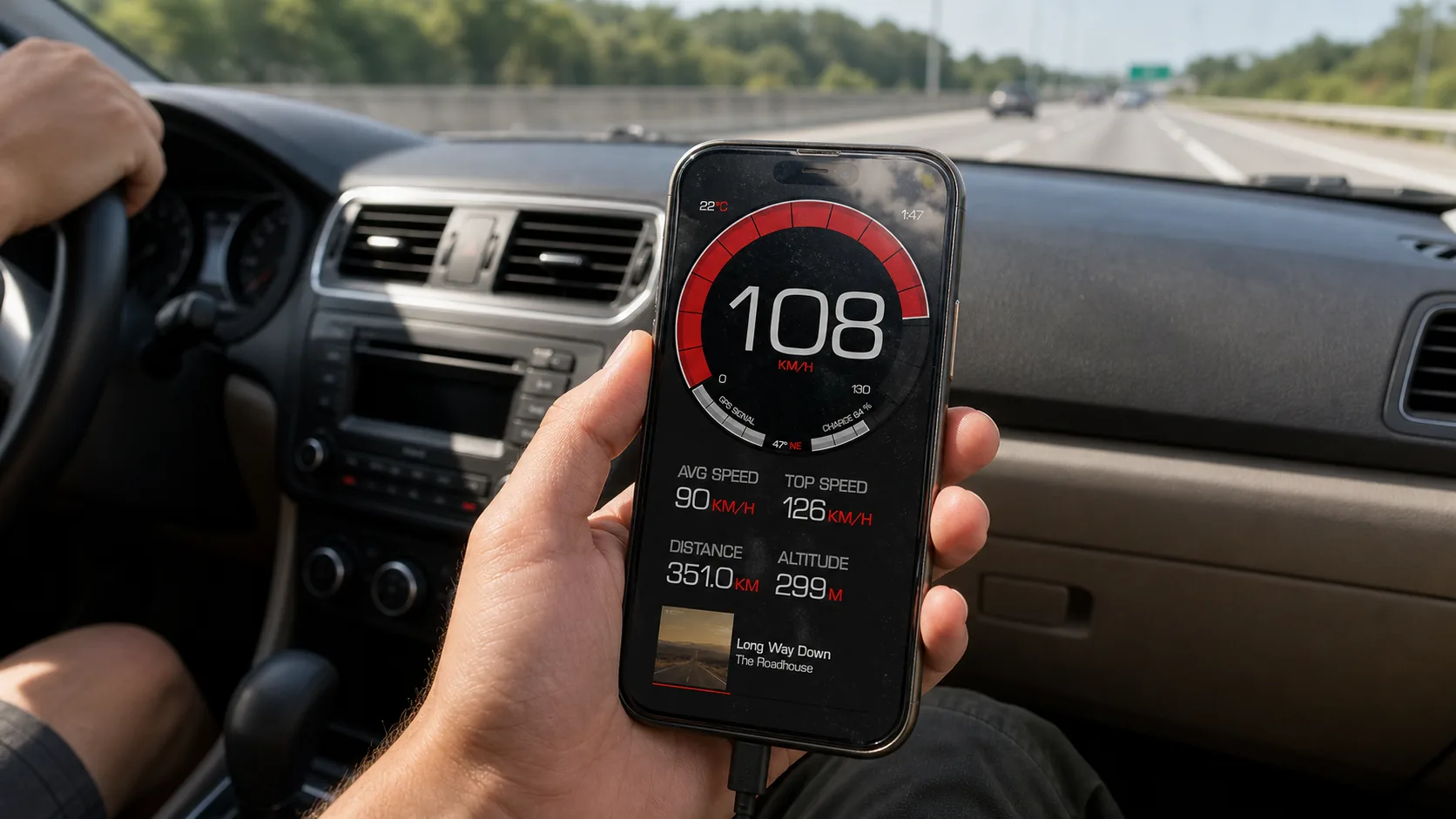
Speedometer» by Tim O’s Studios keeps its basic speed display free. The wider listing advertises trip recording, HUD, Apple Watch support and Live Activities. Its Pro offer includes unlimited history, route maps, import/export and ad removal.
Consider it for a large readout with optional trip tools. The listing describes subscription and lifetime options; check which purchase unlocks the workflow you need.
Speedometer Simple — a large display and trip statistics
Speedometer Simple by WATT APPS lists mph, km/h and knots, distance, maximum and average speed, and trip-speed recording. Its official website also describes analog and digital displays, HUD and offline trip use.
The developer describes free use with ads, while the US listing offers Remove Ads and Premium purchases. Their complete feature boundaries remain unclear. Check the purchase screen if ad removal or a particular trip feature matters to you.
Speedometer 55 GPS Speed & HUD — presets and windshield display
Speedometer 55 by Stanislav Dvoychenko describes configurable speed-limit presets, visual and sound warnings, and a 20-minute GPS black box with Excel/CSV export. Its HUD guide includes windshield display in the free edition.
Background operation and GPS track recording are assigned to a separate paid PRO edition, which also lists an optional purchase. Keep that distinction in mind if you need more than the recent-data black box.
GPS Speedometer, Speed Tracker — distance and display options
GPS Speedometer, Speed Tracker by Nikhil Kumar advertises distance tracking, HUD, speed alerts, history and a floating window, with mph, km/h, m/s and knots. The listing also describes offline core use and optional export.
It is a candidate if distance and display options are your priorities. The download is free, with paid packages shown in the US listing, but their names do not establish exactly which features are free or how each purchase is billed. Confirm your chosen feature in the app before buying.
Speedometer Speed Box Trip Log — gauge styles and CSV export
SpeedBox by Hans Schneider advertises 17 gauge designs, windshield HUD, a speed graph with altitude, trip logging and CSV export. These are useful features to investigate if you want to choose a dial style or work with trip data in a spreadsheet.
A free version is offered with a paid Premium Pack. The listing does not clearly assign every advertised feature to a tier. The publisher states that GPS works while the app is open, with no background tracking. Check the recording and export controls before buying.
Navigation with a speed display
Waze — directions, traffic and speed in the same journey
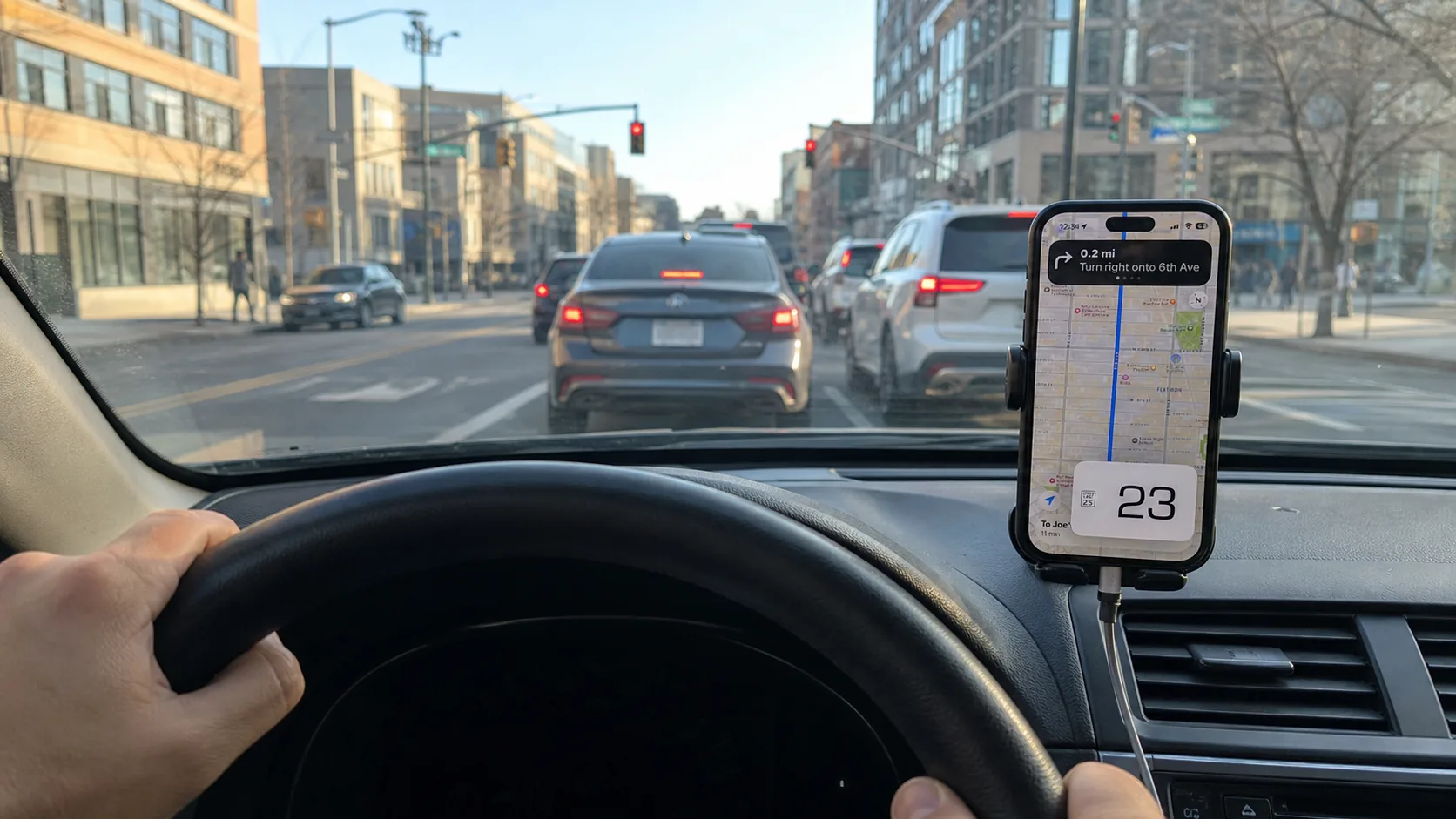
Waze is the navigation option in this shortlist. Its speedometer help explains how to enable the display and set speeding alerts.
If you already use it for directions, check whether that display meets your needs before adding another app. Waze is free to use, but mobile data charges can apply. Its navigation and live information need a data connection.
Check these before your first journey
Set the units, inspect the free and paid controls, and check readability while parked. If you need export, background recording or a Watch workflow, verify that exact task instead of inferring it from an icon or a feature name.
For our app: GPS provides an estimate of speed over ground, independent of wheel size. Signal quality, obstructions, low speed and processing can affect the reading. A fixed percentage error or greater accuracy than another instrument is not guaranteed.
Choose a shortlist around your actual task, then compare the current purchase screens and behavior on your phone.
If free GPS speed, basic trip recording and a basic HUD match your needs, you can download our GPS Speedometer app. PRO is optional.