
Best Free Speedometer Apps for iPhone (2026)
Compare five iPhone speedometer apps by what is confirmed free, what needs an optional purchase, and which feature limits to check before your first trip.
Table of Contents
Choose by the free feature you need
For speed, basic trip statistics and saved-trip summaries without a subscription, GPS Speedometer MPH Tracker is one option. Speedometer» explicitly keeps its basic speed display free. Speedometer 55 documents a free basic HUD and user-set speed warnings.
All five apps below were free to download in the U.S. App Store when checked. That does not establish that every advertised feature is free. Where the sources do not explain a purchase boundary, we say so.
About this guide: We publish GPS Speedometer MPH Tracker. We checked U.S. App Store listings and developer information on 10 September 2026. This is a comparison of documented access, not a hands-on accuracy or battery test. Offers and availability can differ by region.
What is confirmed free?
| App | Established free access | Optional purchase or boundary to check |
|---|---|---|
| GPS Speedometer MPH Tracker · BITHAUS.TECH | GPS speed, basic statistics, recording and saving trips, basic trip summaries and basic HUD; no ads in the current version. | Detailed playback and analysis, GPX export, enhanced HUD and other PRO features. Subscription or one-time purchase. |
| Speedometer Simple · WATT APPS | Publisher-documented free, ad-supported iOS use: offline speed and distance, complete trip recording, analog and digital displays, more than 20 themes and HUD. | Remove Ads and duplicate Speedometer Premium purchases are listed; Premium-only functions and billing periods are not identified. |
| Speedometer» · Tim O’s Studios | The basic large speed display remains available without Pro. | Pro adds unlimited history, maps/charts, export and ad removal. Recurring and lifetime products are listed. |
| Speedometer 55 GPS Speed & HUD · Stanislav Dvoychenko | Speed, preset threshold warnings, basic HUD and a rolling 20-minute GPS black box with Excel/CSV export. | A separate paid Pro app provides GPS track recording, background operation and expanded controls. |
| GPS Speedometer, Speed Tracker · Nikhil Kumar | Free download confirmed. | The listing does not establish which functions its generic purchase packages unlock. Check the function you need before relying on its free access. |
Five apps and their purchase boundaries
GPS Speedometer MPH Tracker: basic trips are free
 GPS Speedometer MPH Tracker
Our app · ★ 4.7 on the U.S. App Store · Free core features
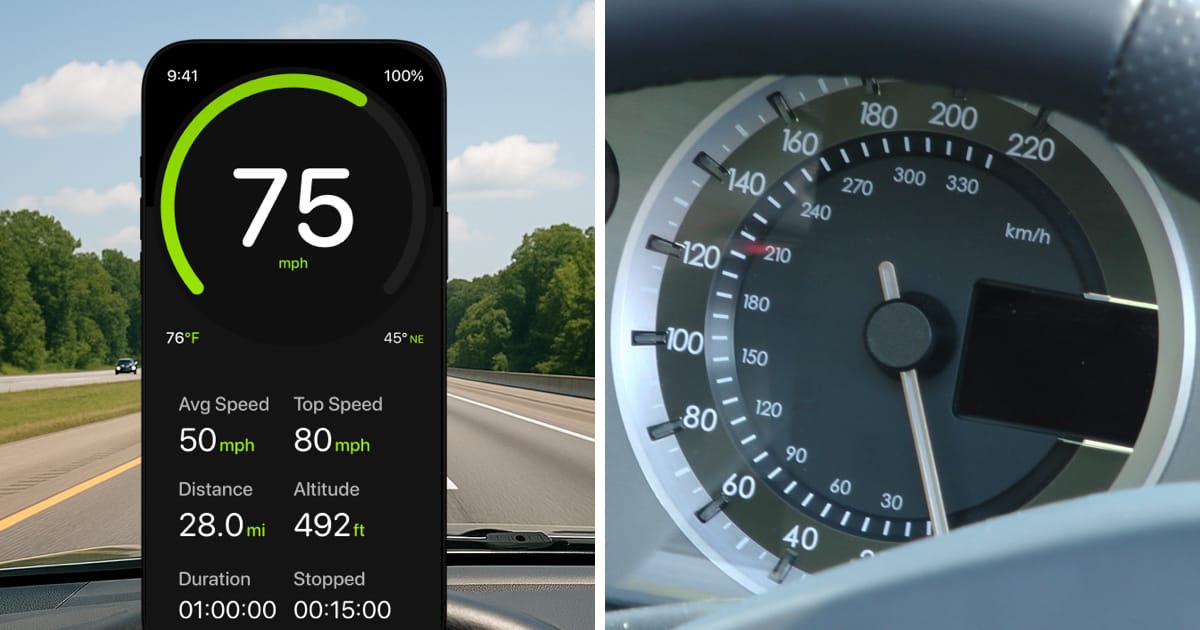
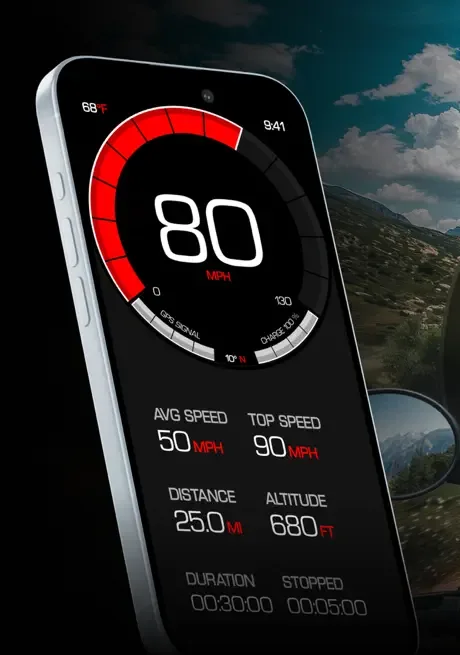
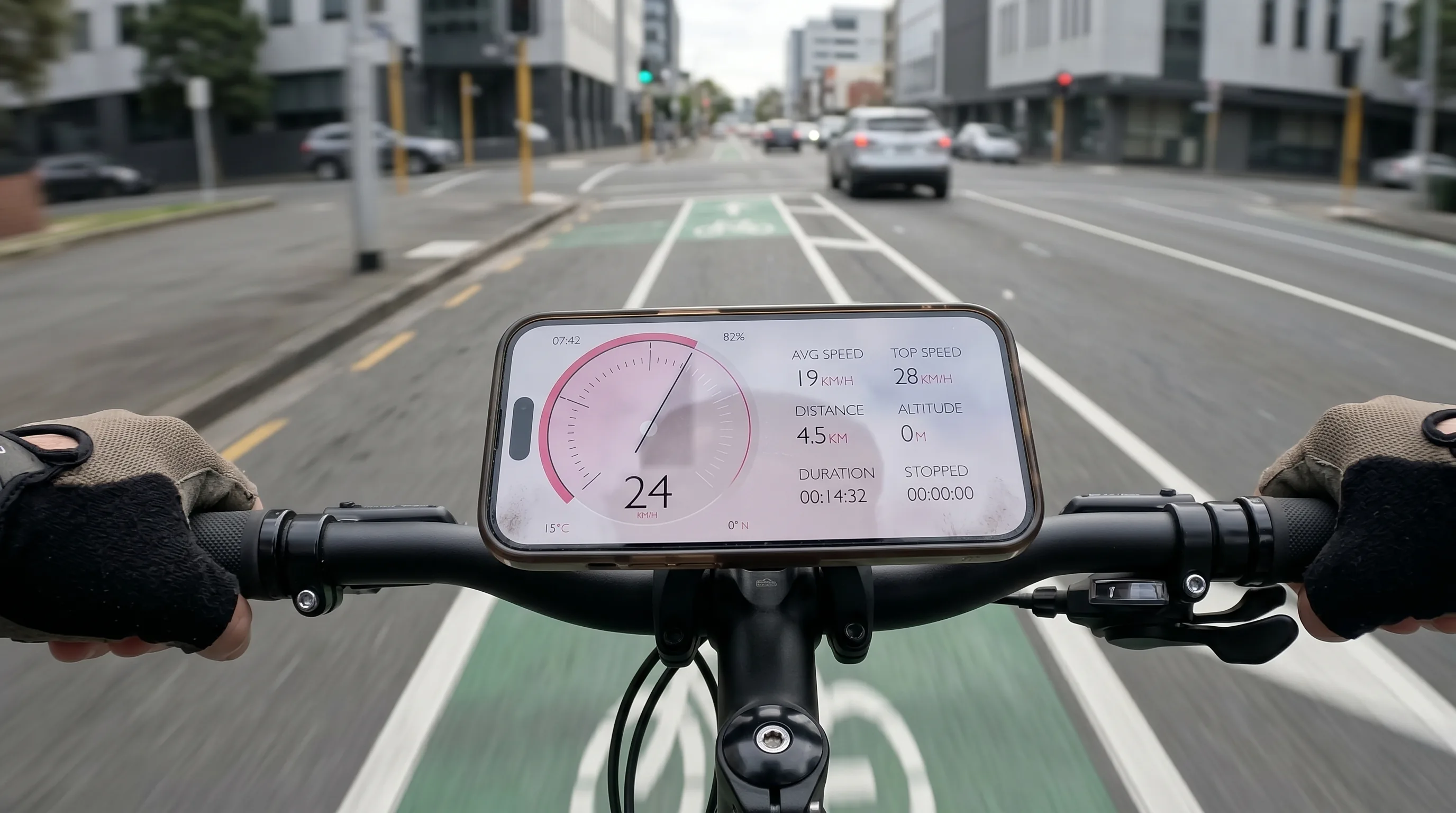
Our app displays GPS speed in MPH, km/h and knots. The free version includes maximum and average speed, distance, basic HUD, basic themes, and live altitude and G-force displays.
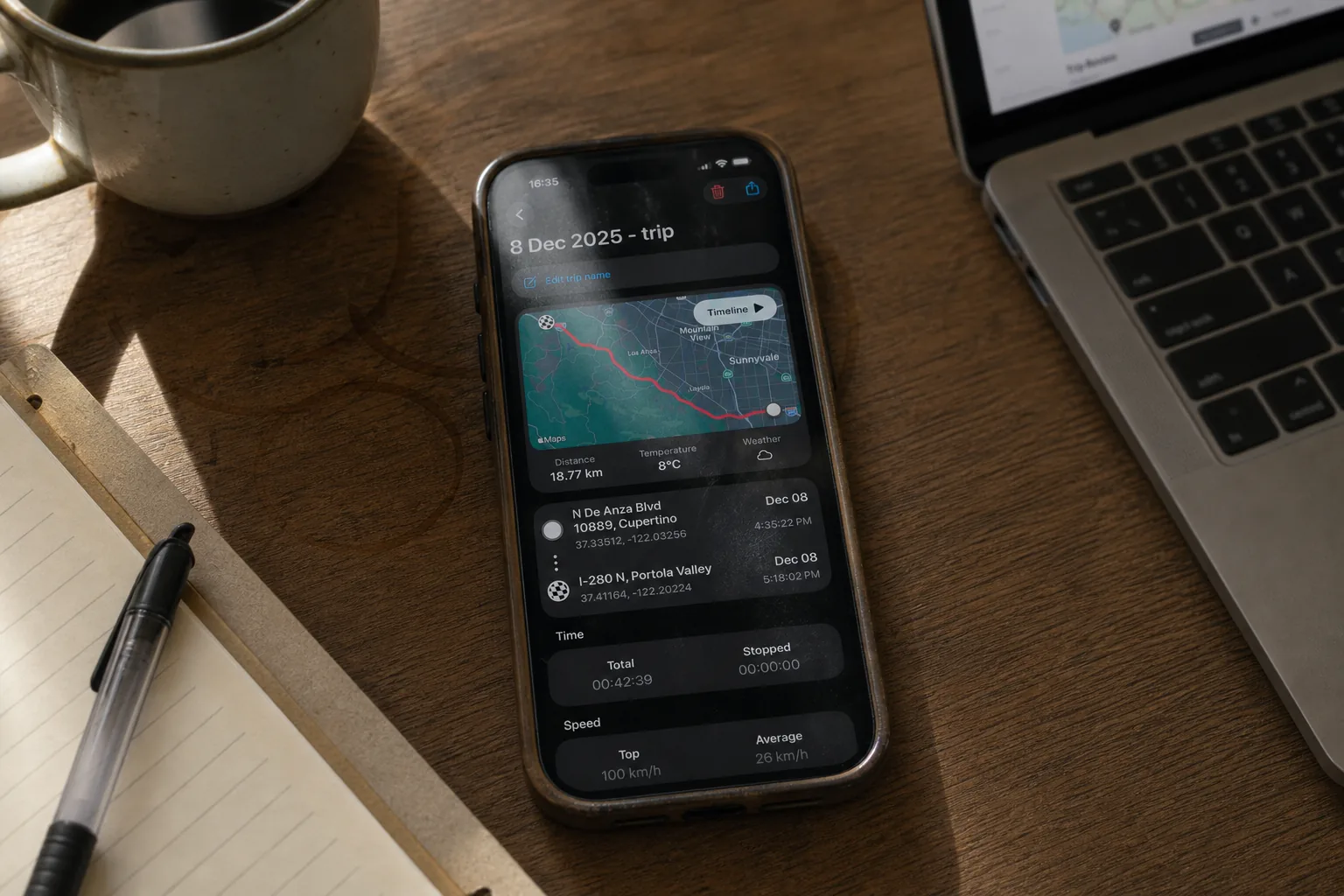
Recording, saving and basic viewing of trips are free. Detailed route playback and analysis require PRO.
GPX export and trip sharing, enhanced HUD and Picture-in-Picture also require PRO. Our Free vs. PRO page lists the remaining features and their conditions.
Free to download, with no ads. PRO is available through a subscription or a one-time purchase; both unlock the same PRO features. The price depends on your region and current offer; check Apple’s purchase screen.
Speedometer Simple: free use with ads, Premium details to check
The developer’s website says its free, ad-supported iOS app includes offline speed and distance, complete trip recording, analog and digital displays, more than 20 themes and HUD. Its U.S. App Store listing shows Remove Ads and Speedometer Premium purchases.
That free-tier list is publisher documentation, not a native app test. The publisher does not identify the Premium-only functions or the billing periods behind the duplicate Premium names, so check Apple’s purchase screen before buying.
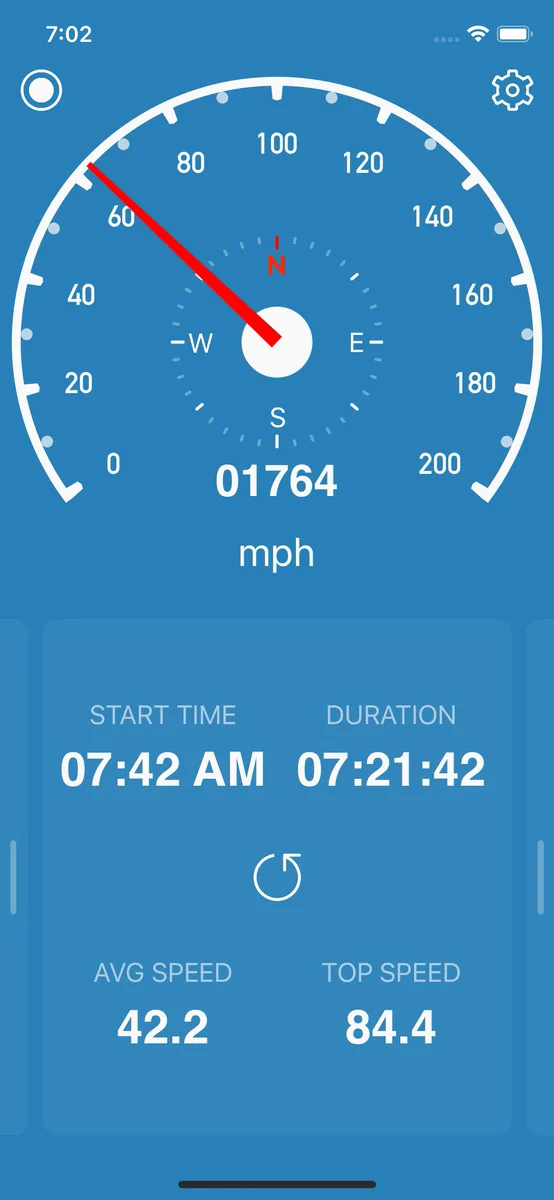
Speedometer»: a free speed display with optional Pro
Tim O’s Studios explicitly says you can keep using the simple speedometer without Pro. Its current listing also describes Pro trip history, maps/charts, export and ad removal.
Monthly, yearly and lifetime products appear in the U.S. listing. The description advertises a three-day trial with yearly Pro; check your eligibility and the actual offer in Apple’s purchase screen. This does not make every trip, HUD, Watch or Live Activity function a verified free feature.
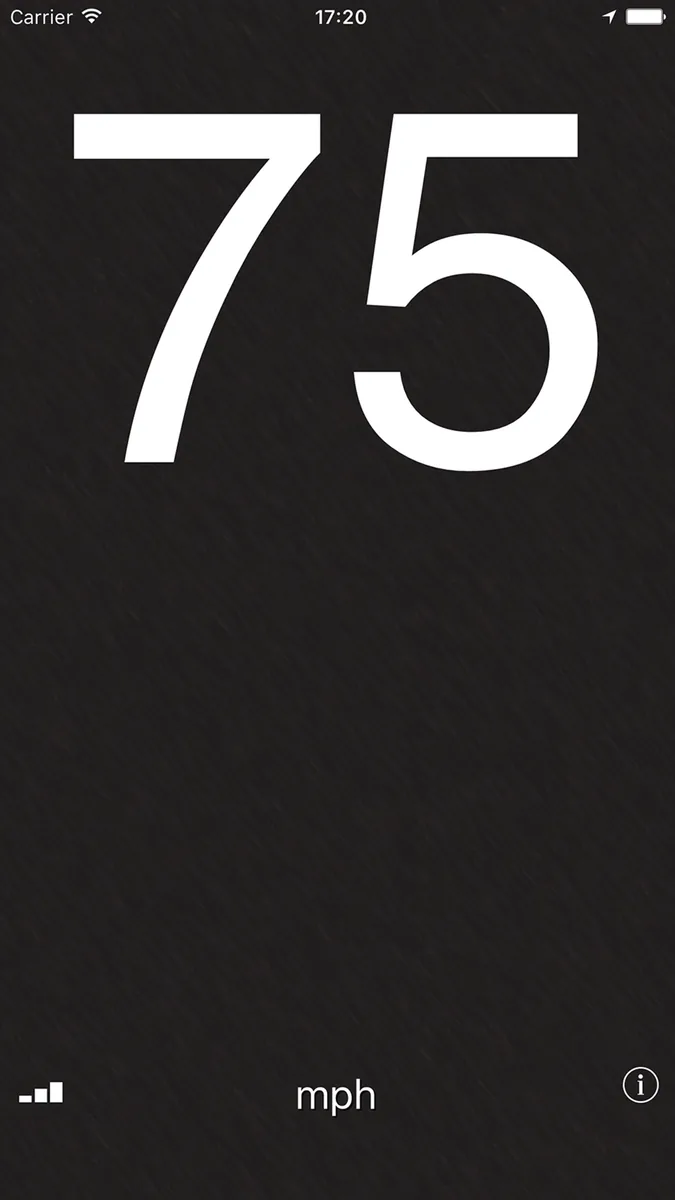
Speedometer 55: free HUD and a short rolling record
The free Speedometer 55 app describes user-set speed-warning presets and a GPS black box covering the last 20 minutes, with Excel/CSV export. Its HUD guide explicitly includes basic reflection mode in the free edition.
That short rolling record is different from unrestricted saved-trip recording. The developer’s manual assigns GPS track recording, background operation and extended controls to the full edition.
No in-app purchase was shown for the free app in the checked U.S. listing. The separate Speedometer 55 Pro app costs money to download and also lists an optional automatic-tracking purchase. Do not confuse the two apps when comparing access. These sources do not establish whether the free app shows ads.
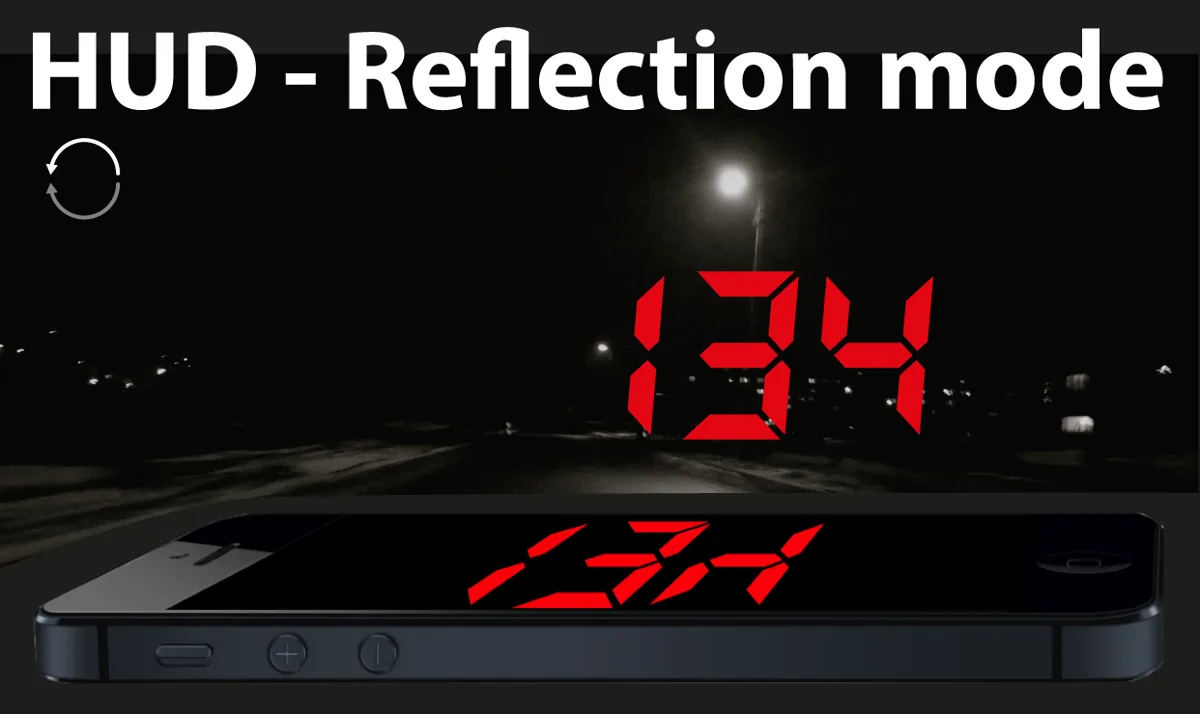
GPS Speedometer, Speed Tracker: confirm the feature gate first
Nikhil Kumar’s listing advertises speed, an odometer, HUD, configurable speed alerts and history. The download is free, but the visible purchases are named Package 2, Package 5 and Package 3.
Those names do not establish which features are included free, what each package contains or how it is billed. Treat this as an app to inspect for your chosen function; this guide cannot confirm free HUD, alerts or saved history from the listing alone.
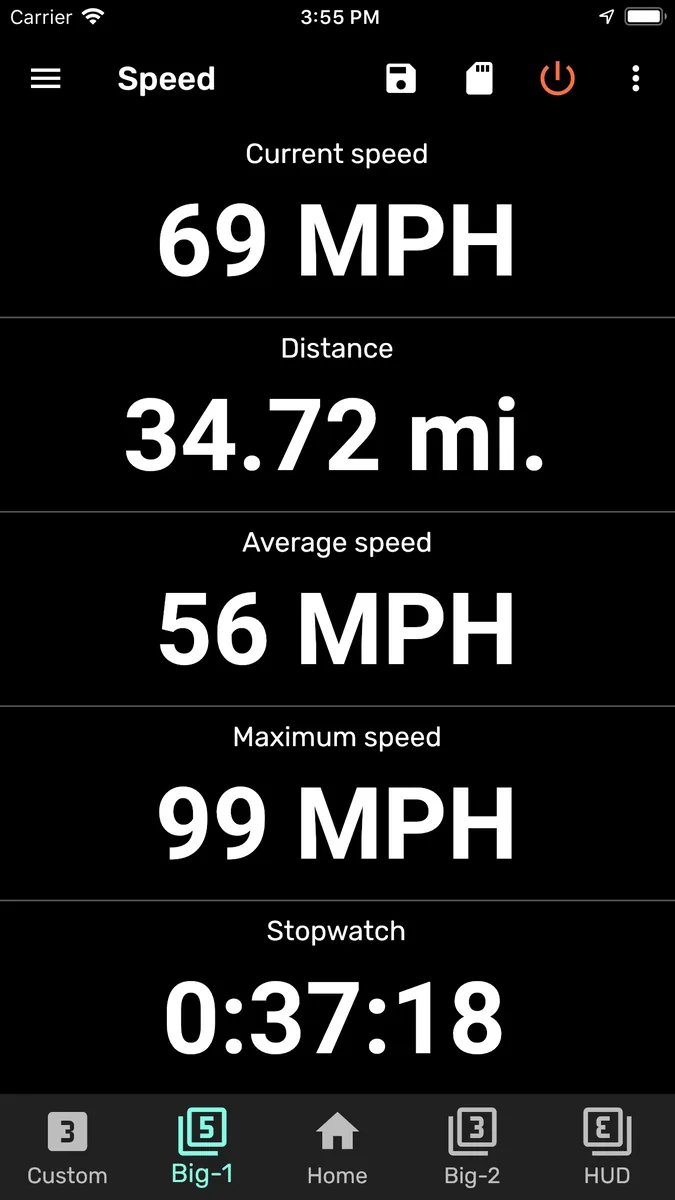
Check these things before your first trip
Set up the app while parked, before depending on it during a journey:
- Open the speed display and your preferred units. Check what remains accessible without accepting a trial or paid upgrade.
- If you want a trip log, inspect saving, reopening, detailed analysis and export separately. They can have different purchase requirements.
- Before accepting an offer, read the purchase price, billing period, trial end and renewal amount. A one-time purchase and a subscription are different choices.
- Read the purpose of requested permissions. Location is relevant to GPS speed; optional functions can request additional access. This guide is not a privacy audit of the apps.
Frequently asked questions
Does a free download mean a free trial?
They are different. A free download can include ongoing free functions plus optional purchases. A trial offers temporary access to paid functions. Check which screen is free and what happens when the trial ends; do not infer this from the App Store’s download button alone.
Do I need a subscription just to display speed?
Our app’s core speed display is free, and Speedometer» explicitly keeps its basic speedometer available without Pro. A subscription is therefore not required for those uses. This does not establish the free access of every speedometer app or every optional feature.
Can a free speedometer work without internet?
For GPS Speedometer MPH Tracker: Core GPS speed tracking and trip recording work without internet, with location permission and a usable GPS signal. Automatic road-speed-limit data and weather need internet. Maps and other connected features may be unavailable offline.
Speedometer Simple’s developer also advertises offline speed, distance and trip recording. That is a publisher claim; we have not tested every app here offline. Check the particular function you need, including maps, rather than treating “offline” as a promise about the whole app.
Sources and further reading
- GPS Speedometer MPH Tracker on the App Store and our Free vs. PRO guide for our app’s access boundaries.
- The App Store and developer links in each app section are the sources for the competitor claims, checked on 10 September 2026.
- Compare GPS speedometer apps for iPhone for a broader comparison of displays, trip tools and purchase options.
If free speed readings and basic saved-trip summaries match what you need, download GPS Speedometer MPH Tracker and start with those features. PRO is optional.