
GPS Speed vs Your Car Speedometer: Why Readings Differ
Why is your speedometer off or reading high? The legal over-read margin, tire effects and how to compare dashboard and GPS readings usefully.
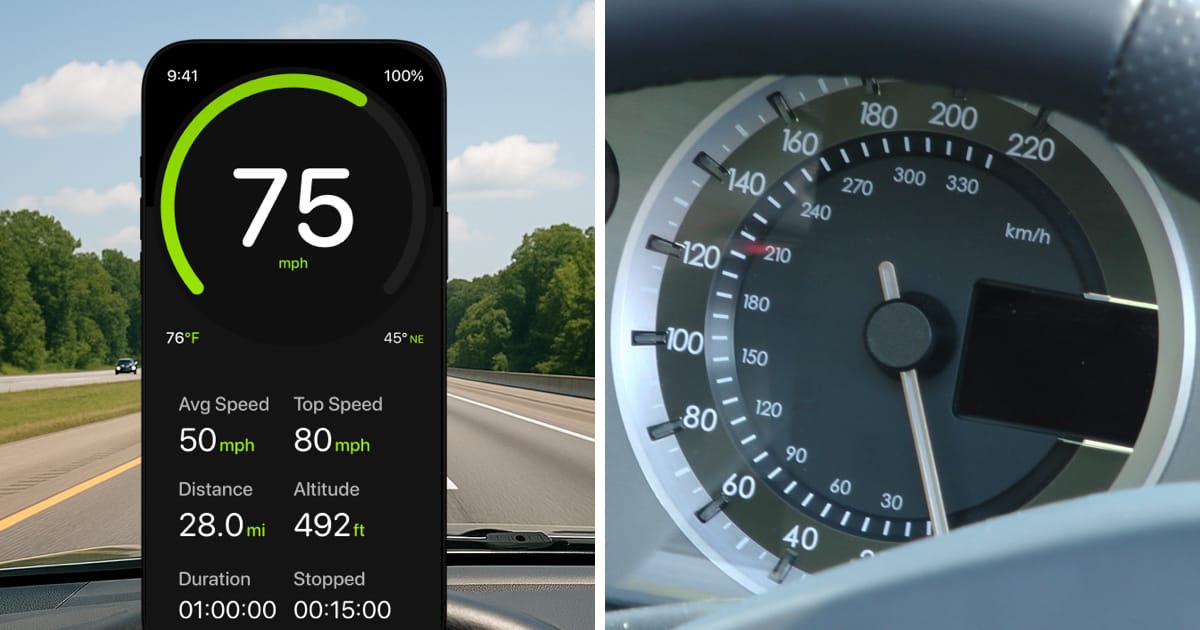
Table of Contents
Short answer: in the EU and other places that use UN Regulation No 39, a new car’s speedometer must never show less than the true speed, and it may show more within a set margin. So a dashboard that reads a little higher than GPS can be normal. On top of that margin, a different tire size, smaller or worn tires, or a calibration or sensor fault can push the reading further off. A comparison at steady speed helps you tell these apart.
A difference between GPS and your dashboard does not tell you which reading is right. They use different inputs, and their displays may represent different moments. A lower number or a smoother display is not proof of greater accuracy.
This guide explains those differences using published sources. It does not report a new road test or a measured accuracy advantage for speedometer.app.
Why is my speedometer off or reading too high?
Three things usually explain a dashboard that shows more than your actual speed:
- A built-in margin. Approval rules for new vehicles forbid a speedometer that reads low, so a reading slightly above true speed can be within the rules. The next section gives the figures.
- Tires that differ from the calibration. A wheel-based speedometer counts wheel rotations. Smaller or worn tires cover less ground per turn, so the dashboard shows more than you are doing; larger tires do the opposite. Our tire size speedometer calculator estimates the effect of a size change.
- A calibration change or a fault. A changed setting, a sensor problem or an instrument fault can also shift the reading. A needle that jumps, drops to zero or moves erratically is a different problem from a steady offset; our broken-speedometer guide covers it.
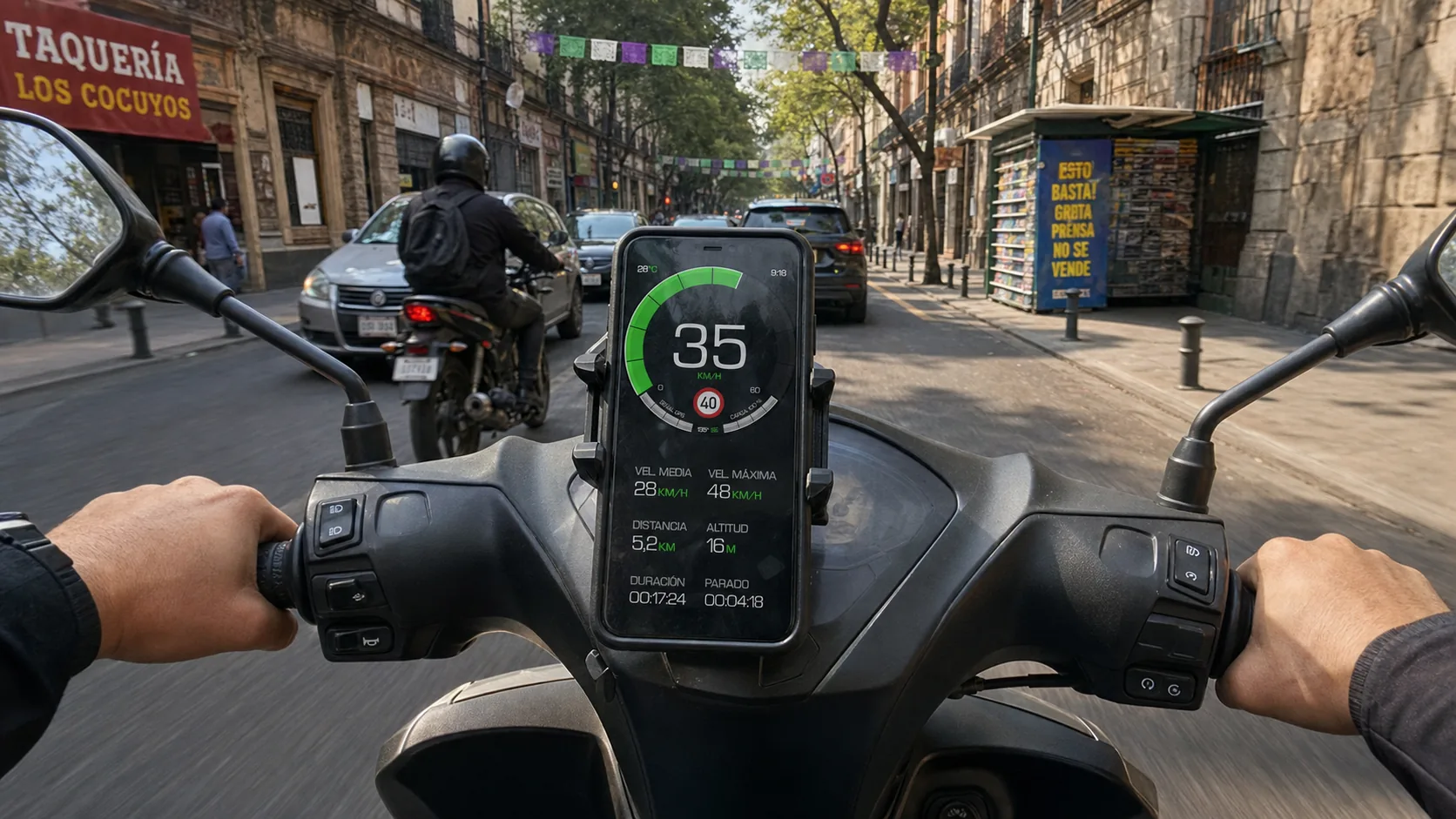
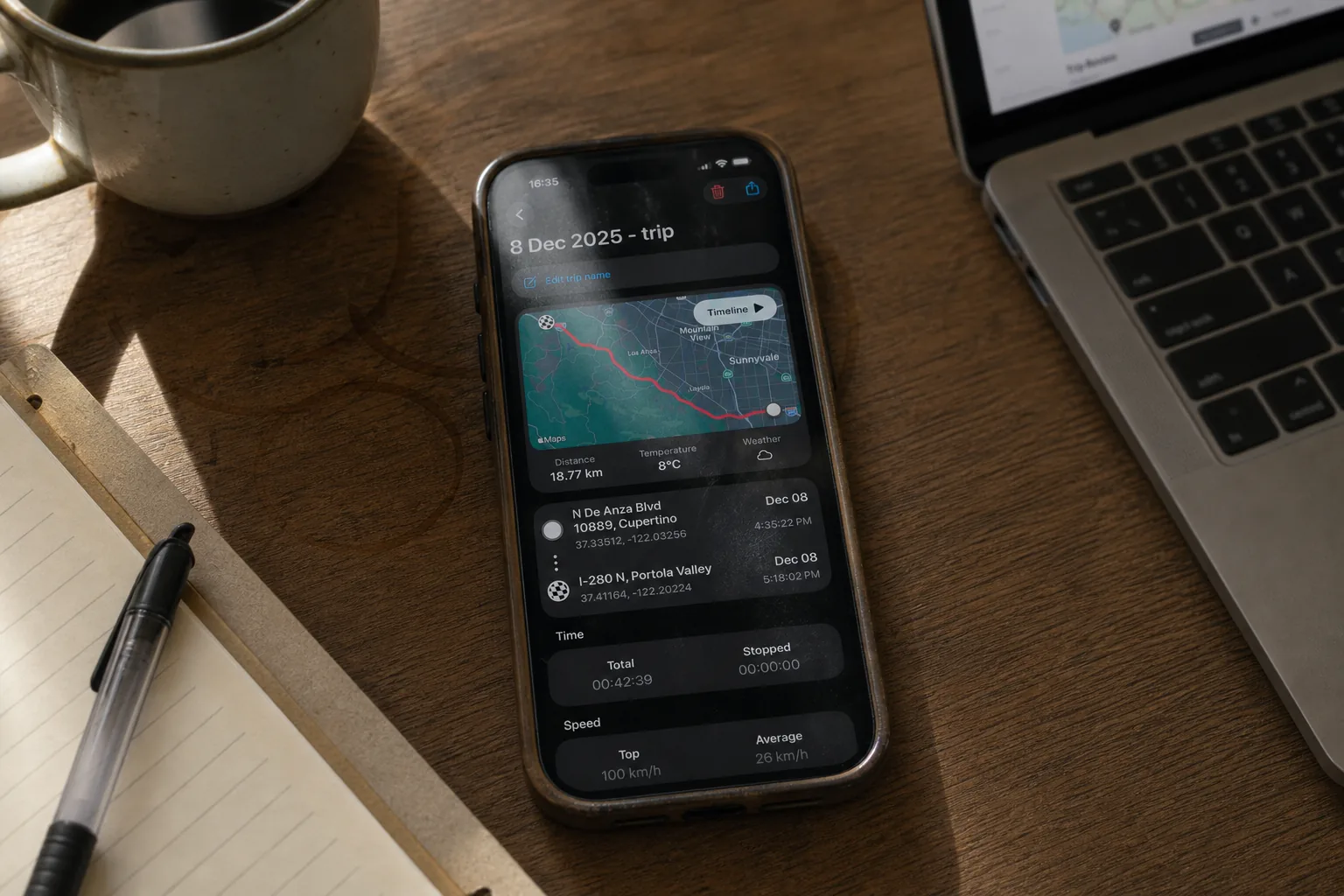
To tell them apart, compare the dashboard with a GPS reading at a few steady speeds, as described under “Make a useful comparison” below. A gap that grows in proportion to speed points to a proportional cause such as tire size or calibration. The phone value is an estimate too, so one disagreement does not prove either instrument wrong.
How much can a speedometer legally read high?
UN Regulation No 39 sets the speedometer test used in vehicle approval. Paragraph 5.4 says: “The speed indicated shall not be less than the true speed of the vehicle.” At the test speeds, the indicated speed (V1) and the true speed (V2) must satisfy 0 ≤ (V1 − V2) ≤ 0.1 V2 + 4 km/h. In plain terms: never below true speed, and at most 10% of the true speed plus 4 km/h above it.
| True speed | Allowed indicated speed |
|---|---|
| 40 km/h | 40 to 48 km/h |
| 80 km/h | 80 to 92 km/h |
| 120 km/h | 120 to 136 km/h |
The regulation is written in km/h. Its rule against reading low applies at every speed, but the upper limit is defined only at those test speeds. In mph, the three test points are about 25, 50 and 75 mph, with upper limits of about 30, 57 and 85 mph.
The EU requires UN Regulation No 39 when approving cars and goods vehicles under Regulation (EU) 2019/2144. Keep its limits in mind:
- It tests new vehicles on their normal tires. It does not measure how far your car is off today. Checks on production vehicles allow up to 0.1 V2 + 6 km/h for cars and goods vehicles (Annex 3).
- A car that passed can still drift. A tire change, wear or a repair can change the reading later.
- A margin is not permission. It does not change a posted speed limit.
US federal rules differ. NHTSA rescinded its federal speedometer and odometer standard, FMVSS No. 127, in 1982, as a later NHTSA notice records. Do not assume the UN margin applies to a vehicle built for the US market; check the rules where the vehicle is registered.
What each reading can tell you
| Reading | What it uses | Main comparison limit |
|---|---|---|
| Wheel-based dashboard | Rotation and vehicle calibration. | Tire dimensions and calibration affect the relationship to distance travelled. |
| Phone’s reported speed | A current estimate from its location system. | Reception, validity and the time of the update matter. |
| Position-to-position estimate | Distance between samples divided by elapsed time. | Sample error and bends can make this differ from the actual path travelled. |
| Known-distance timing | Measured travel distance divided by travel time. | Gives an interval average, with distance and timing uncertainty; not an instantaneous reference. |
Why tires and calibration matter
A wheel-based speedometer converts rotation into speed using a calibrated relationship. If the effective distance travelled per revolution changes while calibration stays the same, the relationship changes too. Tire size and wear can contribute. Michelin explains that changing tire dimensions can affect speedometer readings.
Number of wheel rotations × calibrated circumference
Hypothetical circumference: 2.00 m
Same number of rotations × effective rolling circumference
Hypothetical circumference: 2.10 m
That example shows a relative change, not a real car’s total error. It excludes any existing display bias or automatic correction. Rim diameter alone is not the tire’s overall rolling circumference, and a nominal size calculation cannot reproduce every loaded tire condition.
Our tire size speedometer calculator estimates the geometric effect of a size change. It does not certify calibration or establish that a replacement size is approved for your vehicle.
Why a phone estimate can differ
Apple describes iPhone location speed as an informational estimate: actual speed can change between location updates, and invalid values are possible. A value still on screen may therefore need a freshness check.
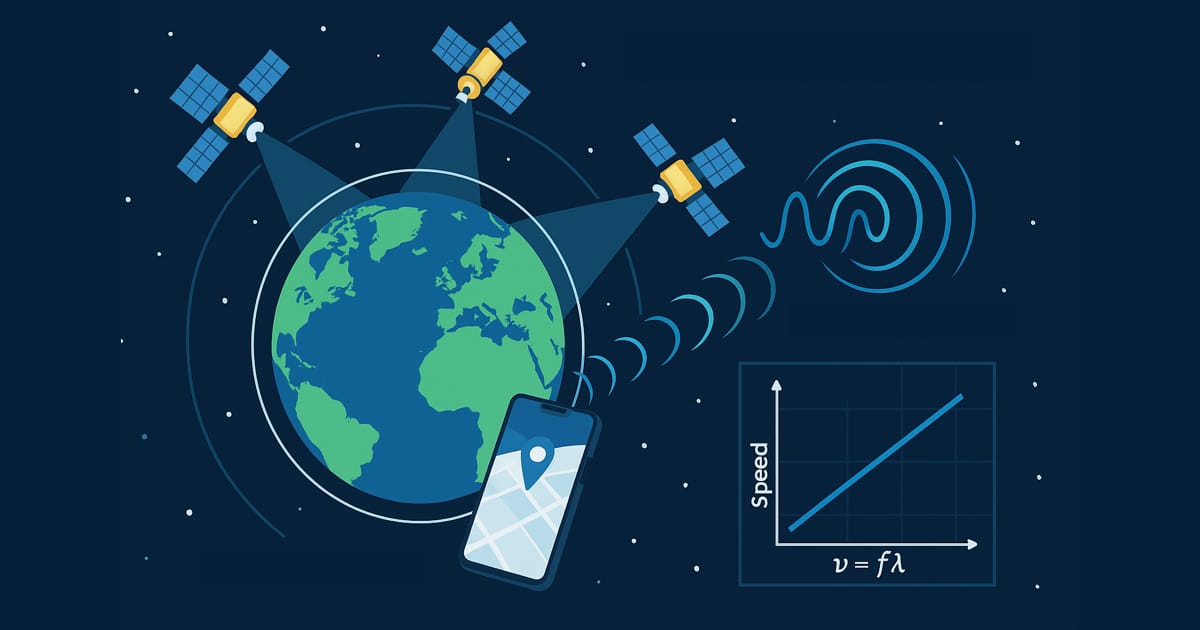
A phone’s speed is not necessarily calculated only from two coordinates. Receivers can use Doppler observations associated with relative motion, as ESA’s GNSS explanation describes. That does not identify which sensors or calculations produced a particular iPhone update.
Reception and receiver conditions also matter. GPS.gov distinguishes satellite-service accuracy from the result at a receiver. Buildings, signal blockage and receiver design can affect the result. Browser location adds another distinction: the web standard allows several location sources, so location permission does not certify a satellite-only measurement.
For more on the methods, read how GPS speedometers work. Losing mobile coverage and losing a usable satellite signal are separate problems; our offline guide explains the difference.
Make a useful comparison
- Prepare while stopped. Check units, location permission and secure phone placement. Ask a passenger to record observations, or use an appropriate controlled setting.
- Compare the same period. Use steady motion and usable reception. Note timestamps where available; a delayed value during acceleration is not directly comparable with a newer one.
- Record the conditions. Keep the device, app version, settings and tire information with the observations. Repeat the comparison rather than treating one glance as a result.
- State the missing reference. Two disagreeing instruments do not establish either instrument’s absolute error. A timed distance gives an average over that route and interval, with its own uncertainties.
A functioning vehicle speedometer does not depend on your phone’s location updates. Do not increase driving speed because the phone shows a lower value. If you suspect an instrument fault, seek a vehicle-specific calibration check rather than treating a phone comparison as certification.
Frequently Asked Questions
Why does my speedometer read higher than GPS?
The difference may be inside the approval margin described above: the rules forbid reading low but allow reading somewhat high. Smaller or worn tires can add to it. The phone value is also an estimate, so compare at steady speed with good reception before drawing a conclusion.
Is it normal for my speedometer to be off by 5 mph?
At the 80 km/h test speed (about 50 mph), UN Regulation No 39 allows readings up to 92 km/h (about 57 mph) for new-vehicle approval, so a reading 5 mph high at around 50 mph is inside that band. The upper limit is defined only at the test speeds, although the rule against reading low applies at every speed. Either way, the result does not show that your car meets the rule or was approved under it. If the offset appeared after a tire change or keeps growing, check the tire size and ask a workshop about calibration.
Is the lower GPS reading automatically correct?
No. Calibration, location error, display processing and different observation times can explain disagreement. Neither the lower reading nor the smoother display establishes the true speed.
Does a difference mean one instrument is faulty?
Not necessarily. First compare units, freshness and conditions. Position uncertainty in meters is also different from speed uncertainty; Apple documents speed accuracy separately. A position-accuracy number cannot simply be relabelled as a speed-error estimate.
Can this comparison replace calibration or vehicle approval?
No. It provides observations, not an independent calibration or approval result. Applicable requirements depend on the vehicle and jurisdiction. A permitted instrument tolerance does not reveal a particular car’s actual error or authorize exceeding a posted speed limit.