

GPS Speedometer and Battery Life on Long Trips
Battery use varies with the device, battery health, screen brightness, signal and enabled features. No fixed hourly drain or runtime has been established for the app. For long trips, plan a suitable charger or power bank. GPS can continue in the background while recording a trip or using Picture-in-Picture. Picture-in-Picture requires PRO.
Why continuous GPS costs battery
Screen brightness, location updates, device temperature, battery health and other active features affect battery use. There is no single percentage or runtime that applies to every device.
Core GPS speed tracking and trip recording work without internet, with location permission and a usable GPS signal. Automatic road-speed-limit data and weather need internet. Maps and other connected features may be unavailable offline.
What the app does to reduce drain
GPS can continue in the background while recording a trip or using Picture-in-Picture. Picture-in-Picture requires PRO.
Lower brightness when you do not need a bright HUD. To end background tracking, stop the trip and close Picture-in-Picture. Use suitable charging equipment when needed and keep the phone ventilated, away from direct sun.
Battery expectations
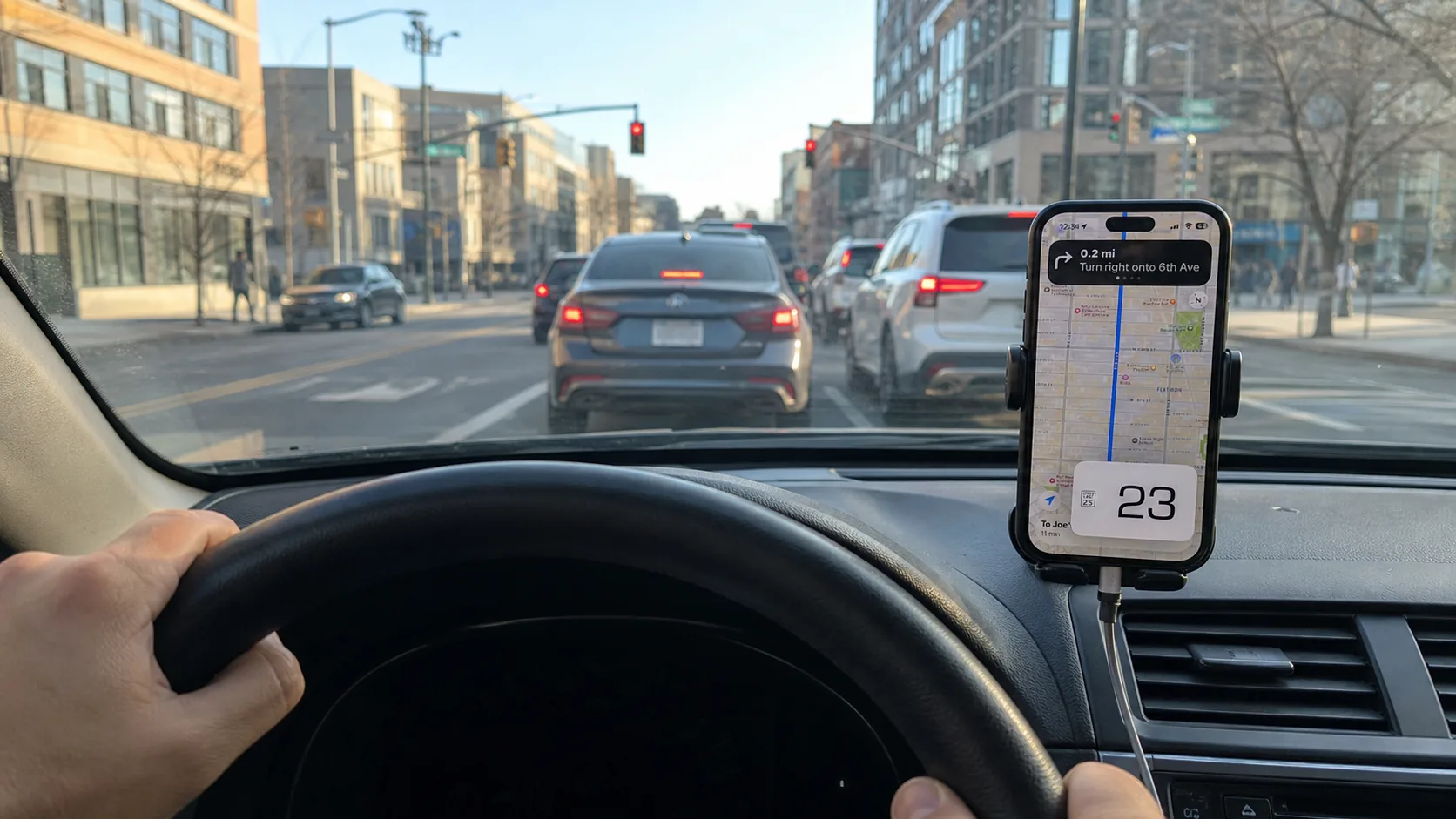
Battery use varies with the device, battery health, screen brightness, signal and enabled features. No fixed hourly drain or runtime has been established for the app. For long trips, plan a suitable charger or power bank.
Check consumption on your own device with the features and brightness you actually use. Charging does not guarantee indefinite operation or a particular GPS update rate; heat and system settings can still affect operation.
Practical tips for long drives
Lower brightness when you do not need a bright HUD. To end background tracking, stop the trip and close Picture-in-Picture. Use suitable charging equipment when needed and keep the phone ventilated, away from direct sun.
Battery FAQ
Does GPS Speedometer drain my battery fast?
Battery use varies with the device, battery health, screen brightness, signal and enabled features. No fixed hourly drain or runtime has been established for the app. For long trips, plan a suitable charger or power bank. GPS can continue in the background while recording a trip or using Picture-in-Picture. Picture-in-Picture requires PRO.
How much battery does a GPS app use per hour?
Battery use varies with the device, battery health, screen brightness, signal and enabled features. No fixed hourly drain or runtime has been established for the app. For long trips, plan a suitable charger or power bank.
How do I make the app use less battery?
Lower brightness when you do not need a bright HUD. To end background tracking, stop the trip and close Picture-in-Picture. Use suitable charging equipment when needed and keep the phone ventilated, away from direct sun.
Why does GPS use so much power at all?
Screen brightness, location updates, device temperature, battery health and other active features affect battery use. There is no single percentage or runtime that applies to every device.
More questions? See the full FAQ or the free vs PRO breakdown.
Track your trips without guesswork
Free to download, with no ads. PRO is available through a subscription or a one-time purchase; both unlock the same PRO features. The price depends on your region and current offer; check Apple’s purchase screen.


Free download • No ads • On iPhone since 2014