

A quick browser reading
Open the online speedometer, choose knots, press Start and allow location access. It needs a usable location reading and does not save trips in the iPhone app.
Try the browser speedometerSee your boat’s GPS Speed Over Ground (SOG) in knots on your iPhone. Record trips and review basic speed and distance statistics.
SOG describes movement over the ground. It can differ from speed through the water because of currents. GPS Speedometer does not measure Speed Through Water (STW) or calculate Velocity Made Good (VMG).
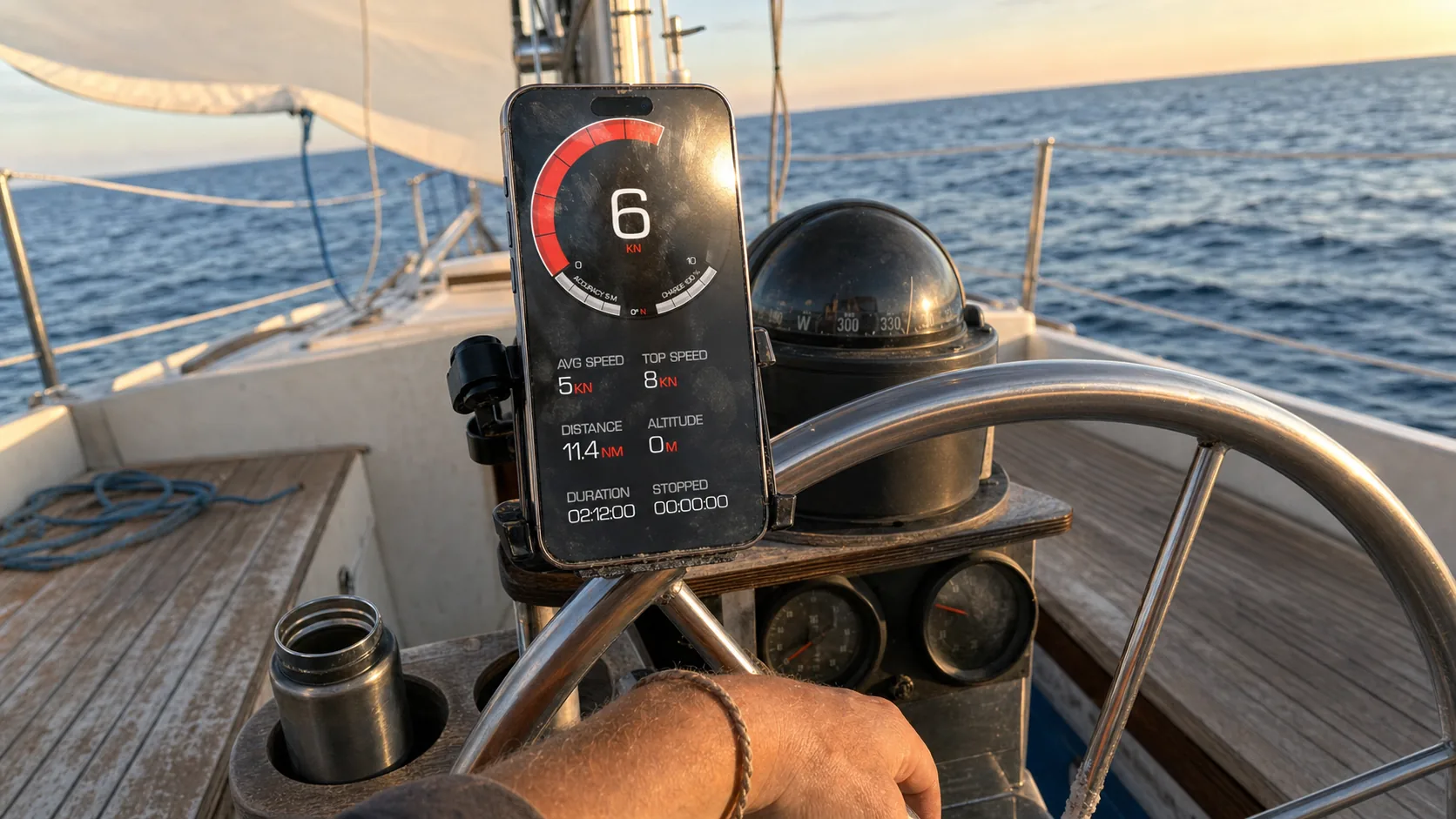
Open the online speedometer, choose knots, press Start and allow location access. It needs a usable location reading and does not save trips in the iPhone app.
Try the browser speedometerUse the native app for GPS speed and saved trip summaries. Core recording and basic summaries are free; detailed analysis and sharing require PRO.
See free and PRO featuresFor speed through water, VMG or navigation, choose equipment or software that provides those functions. This app is a supplementary SOG display.
Understand the measurementsReal photos of the app in use, with km/h selected. Knots and MPH are also available in the unit settings.


A GPS reading tells you how fast you are moving over the ground. Choose the measurement that matches the question you want to answer.
1 knot is 1 nautical mile per hour, exactly 1.852 km/h.
Read the SOG and STW guideUse the free core features to check speed and keep a basic trip record. Choose PRO when you need its additional tools.
PRO is available by subscription or one-time purchase; both unlock the same PRO features. Check Apple’s purchase screen for your region’s current price.
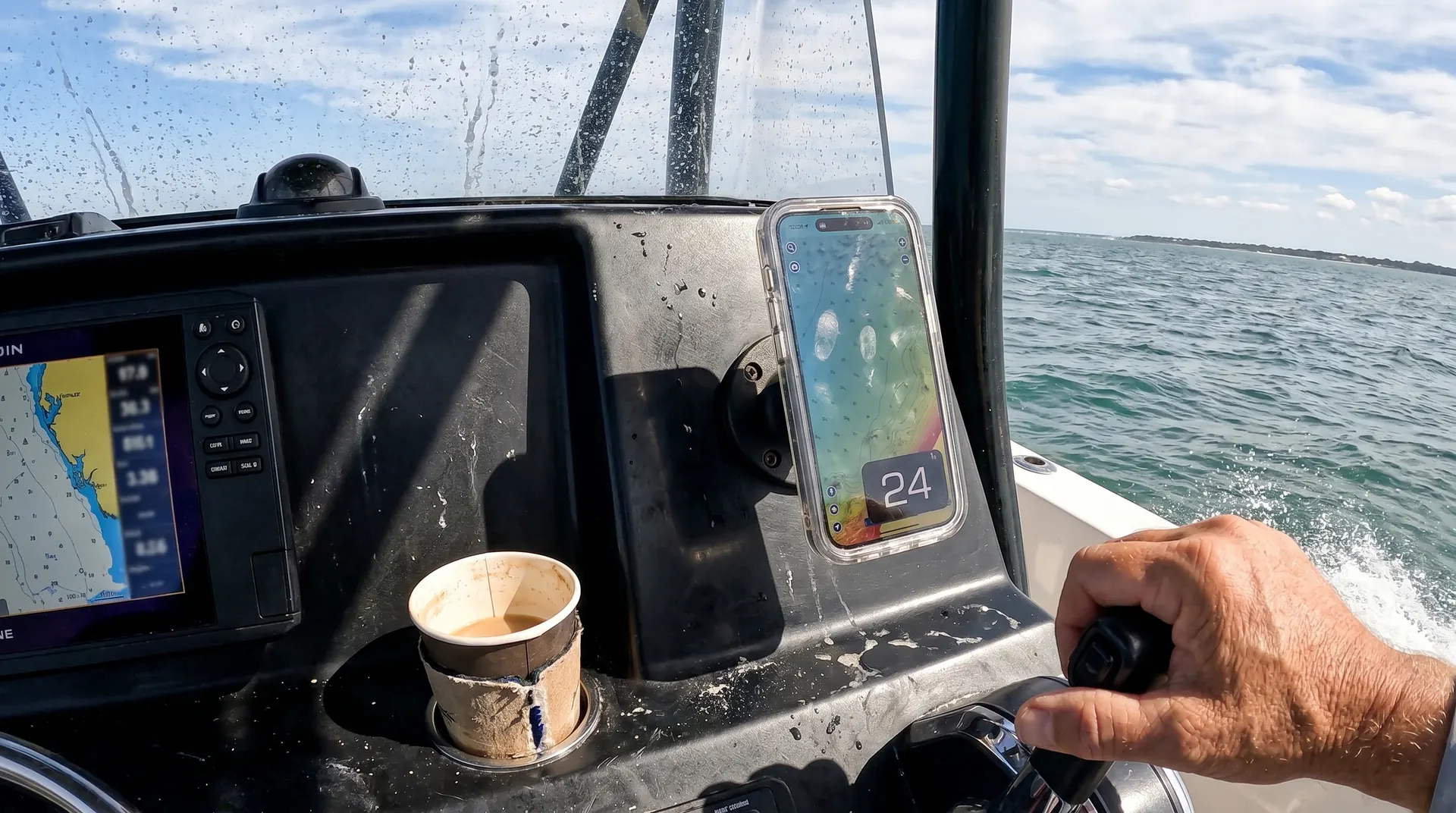
Download GPS Speedometer and select knots in the app’s speed-unit settings.
Enable location access, including Precise Location where available. Use a suitable mount and keep a clear view of the sky. Wait for a usable reading.
Start recording when you want to save the trip. Afterwards, open the saved trip for its basic summary; detailed playback and charts require PRO.
Location permission and usable data are required. Obstructions, low speed and device processing can affect the reading.
The native app’s GPS speed and trip recording work without internet when location access and a usable GPS signal are available. Maps and connected features may be unavailable offline; weather requires PRO and internet.
Follow the device, case, mount and charger manufacturers’ instructions. Plan for water exposure, heat and battery use, and position the display without obstructing other equipment.
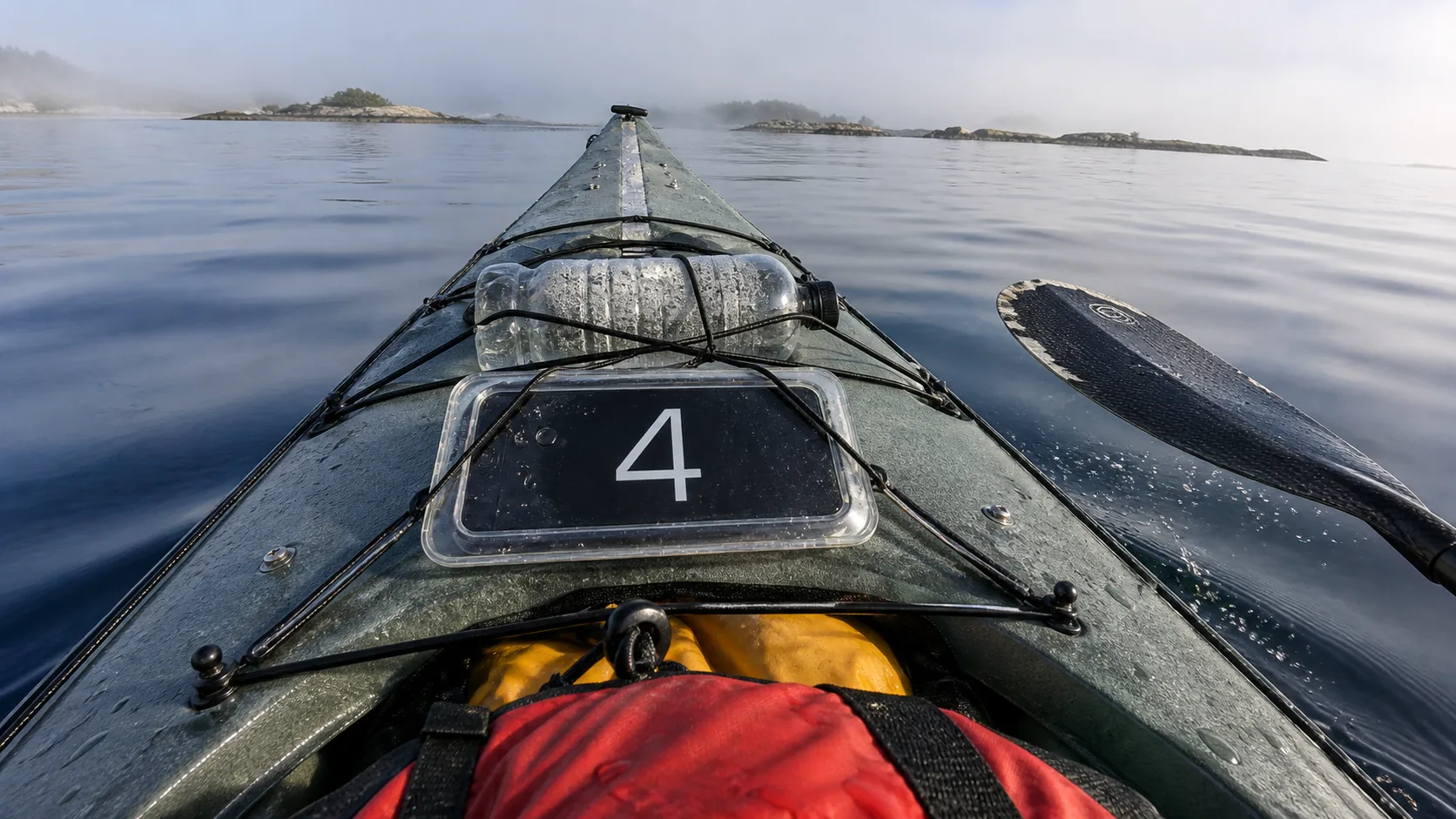
It shows GPS Speed Over Ground (SOG), including knots. It does not measure Speed Through Water (STW) or calculate Velocity Made Good (VMG).
Core GPS speed, units, maximum/average speed, distance, trip recording, saving and basic summaries are free. Detailed route playback, charts, GPX sharing and Picture-in-Picture require PRO.
Yes, the native app’s core speed and trip recording work without internet, with location permission and a usable GPS signal. Maps may be unavailable offline. Weather requires PRO and internet.
GPS can continue while a trip is actively being recorded or Picture-in-Picture is in use. PiP requires PRO. When recording ends, open the saved trip to view its basic summary.
Use it as a supplementary SOG display. No fixed precision or superiority to another instrument is guaranteed. Use suitable equipment or software for STW, VMG, navigation or dedicated racing analysis.
Use the separate browser speedometer: choose knots, press Start and allow location access. It needs a usable location reading. It does not save trips in the native app; use the iPhone app to record and review them.
Download GPS Speedometer for iPhone for SOG in knots and free basic trip summaries.

Free download · Optional PRO subscription or one-time purchase
GPS Speedometer is a supplementary speed and trip tool. It does not replace marine navigation equipment, charts or instruments required for your vessel.
