
How GPS Speed Tracking Works Without Internet (2026 Guide)
What GPS speed tracking can do offline, which app features need internet, and how permissions, signal and device conditions affect the result.
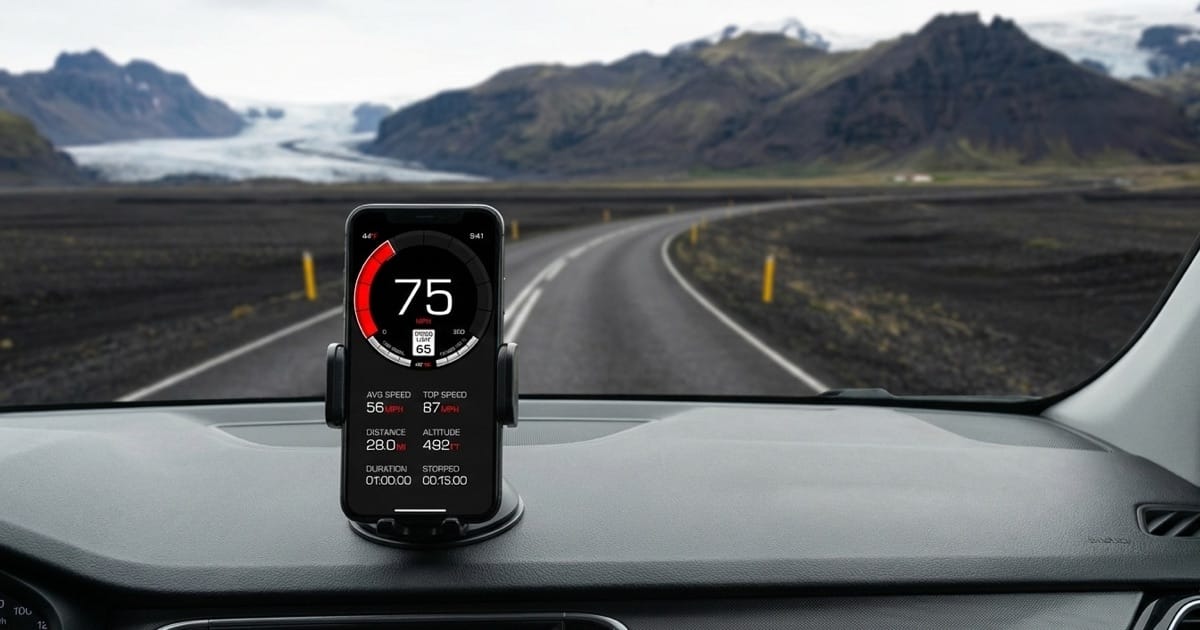
Table of Contents
Losing internet access and losing a usable GPS signal are different problems. A phone can receive satellite signals away from mobile coverage, while a connected phone can still struggle to locate itself inside a tunnel or building.
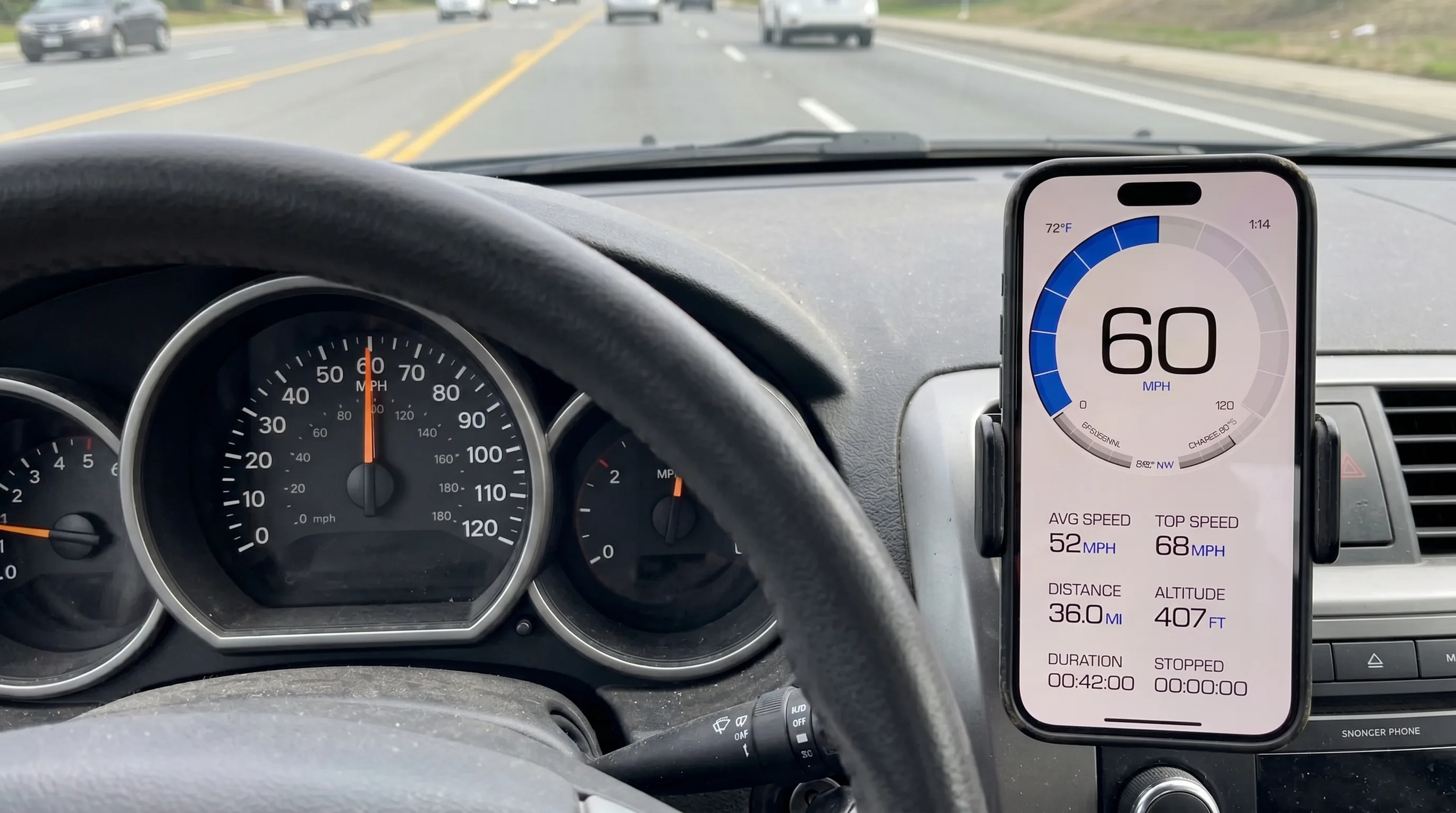
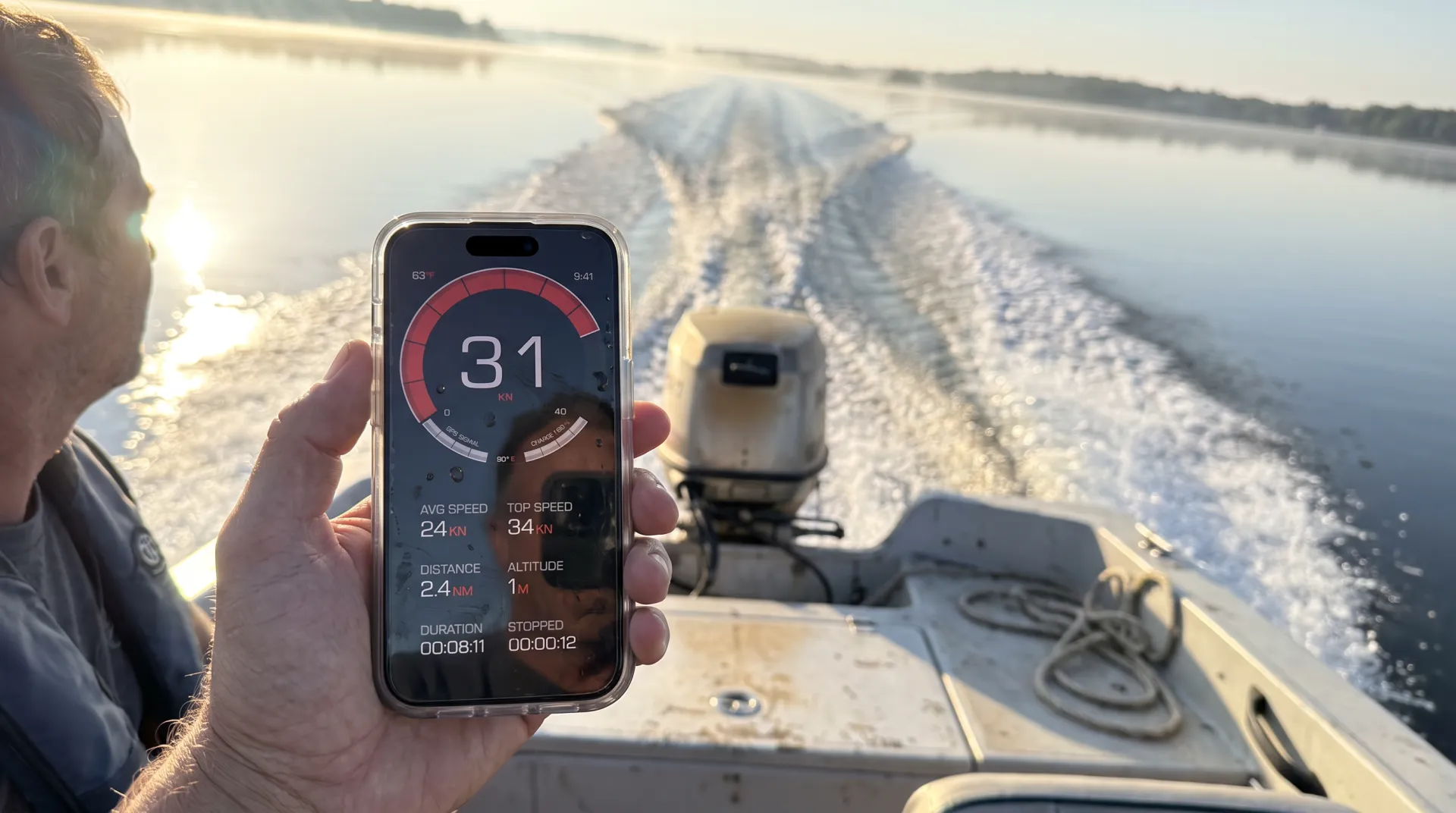
For our installed iPhone app, GPS Speedometer MPH Tracker: Core GPS speed tracking and trip recording work without internet, with location permission and a usable GPS signal. Automatic road-speed-limit data and weather need internet. Maps and other connected features may be unavailable offline.
What works offline in our iPhone app?
Choose the feature you intend to use. Internet access, GPS reception and a PRO purchase are separate requirements.
| Feature | Without internet | What to check |
|---|---|---|
| GPS speed and basic trip recording | Core tracking can work offline. | Location permission and a usable GPS signal are still required. Start recording if you want to save a trip. |
| Automatic road-speed-limit data | Needs internet and PRO. | A retained or preset limit is not newly retrieved road data. Follow posted signs. |
| Manual speed-limit setting | Uses your selected value without a road-data connection; requires PRO. | The value you set is a threshold, not a measurement of the current legal limit. |
| Speed-camera alerts | PRO alerts can use the local camera database and GPS offline where data is available. | Coverage and regional rules vary. Updating the camera database needs a connection. |
| Weather | Needs internet and PRO. | Do not plan on receiving fresh forecasts without a connection. |
| Map display | May be unavailable offline. | Do not assume downloaded maps or offline road-limit packs are included. |
Recording, saving and basic viewing of trips are free. Detailed route playback and analysis require PRO.
The camera database and road-speed-limit data are different systems. Locally stored camera information does not provide an offline database of road limits. See the free and PRO feature guide for purchase boundaries.
Why satellite reception does not need a data connection
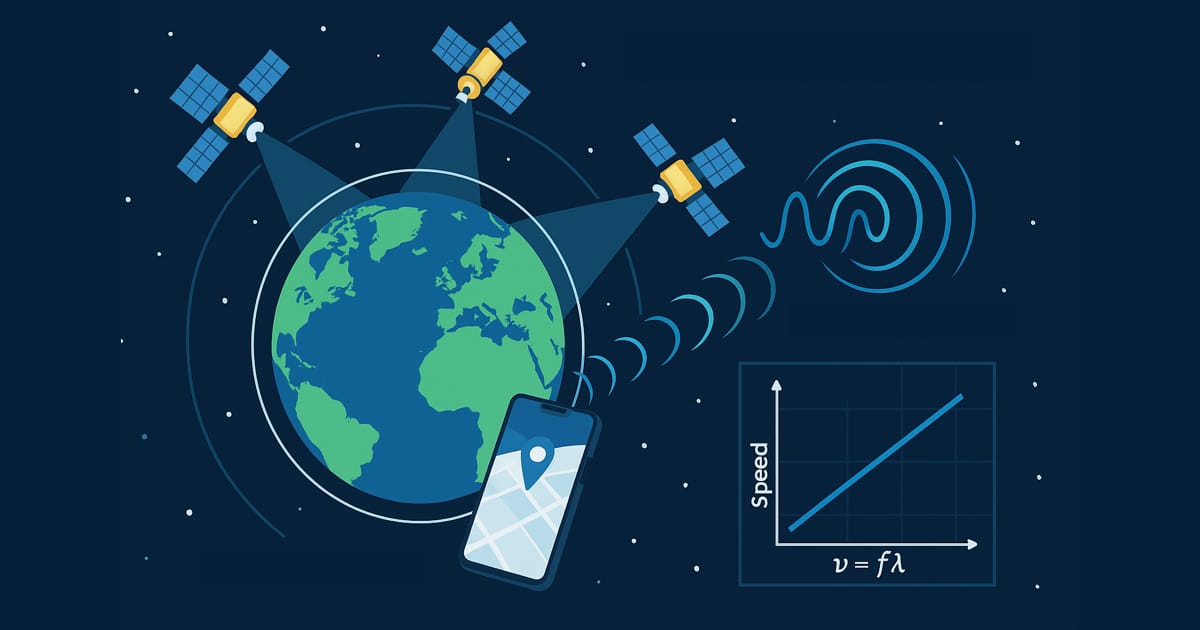
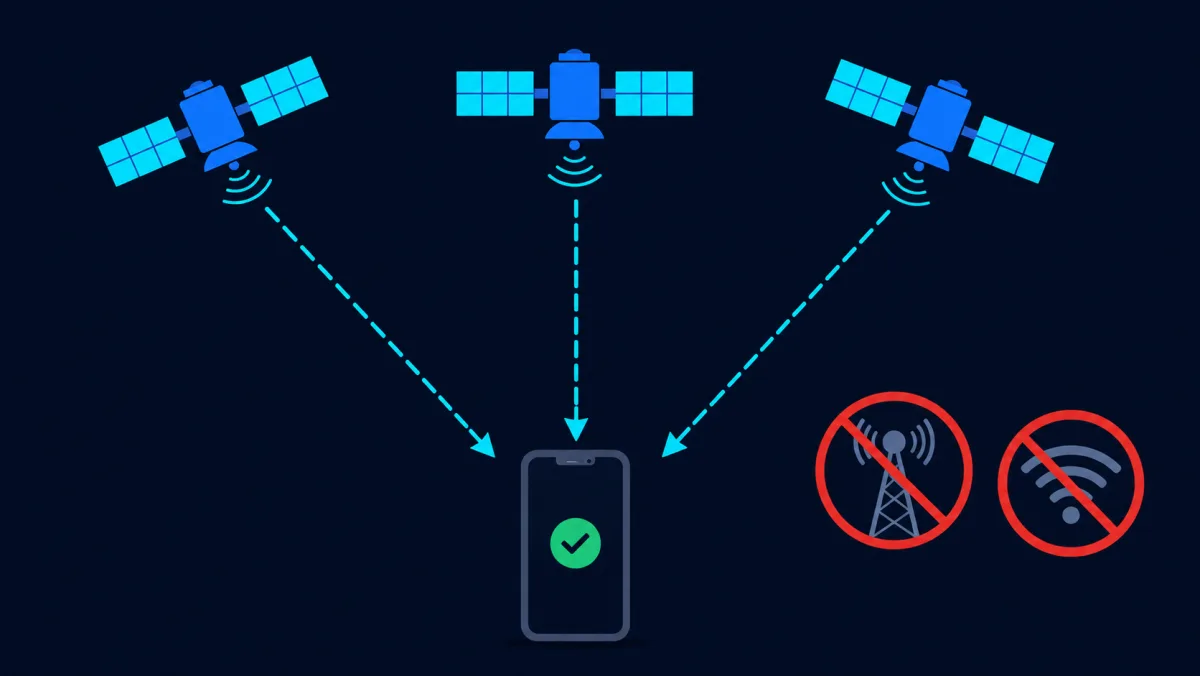
GPS satellites broadcast radio signals toward receivers. A phone does not need to send a request to those satellites over mobile data to receive the broadcast. GPS.gov explains the space segment.
The phone’s complete location system is broader than GPS. With permission, iPhone Location Services can also use cellular, Wi-Fi and Bluetooth information. Losing connectivity can remove useful assistance; obstructions can block or reflect satellite signals. Apple describes Location Services and reception conditions.
That is why “the GPS radio can receive without internet” does not mean “every location-based feature works everywhere offline.”
Prepare before leaving coverage
- Open the installed app while stopped. Check location permission, units and the functions you want to use. Arrange the phone where you can read it without handling it during travel.
- Check reception. Move to a place with a clearer view of the sky if readings are unavailable. A connection alone cannot remove an obstruction, and a displayed zero alone does not prove a valid location reading.
- Try your intended connectivity settings. Check that readings remain usable after the change. Do this before relying on the setup during a journey.
- Start trip recording if needed. A live speed display and a saved trip are different uses. Confirm the recording controls before setting off.
- Plan for connected features. Automatic road limits and weather need internet. Treat missing maps or online information separately from GPS reception.
GPS can continue in the background while recording a trip or using Picture-in-Picture. Picture-in-Picture requires PRO.
Installed app or browser speedometer?
Our online speedometer is useful for a quick reading without installation. It needs access to the webpage and location permission. Do not rely on being able to open or reload the page without a connection; subsequent readings also depend on the browser and the location data the device supplies. Keep the page visible while measuring; the browser tool pauses when the page is hidden.
For planned offline use of our native speed and trip functions, install and open the iPhone app before leaving coverage. This does not remove its location-permission or signal requirements.
If the display does not give a usable reading
Check the symptom before changing settings:
- Location permission is off: review the app’s location access in iPhone settings, then try again.
- Reception is obstructed: while stopped, try a clearer location. Buildings, roofs, mountains and tunnels can interfere with reception.
- GPS speed works but maps, weather or automatic limits do not: check the internet connection and the specific feature’s requirements.
- A reading is delayed or implausible: give it time to update under better reception conditions. Do not use an uncertain reading as a reason to change driving speed.
There is no fixed acquisition time or tested offline speed-error guarantee for this app. GPS signal specifications describe the satellite service, not the complete performance of a particular phone. GPS.gov distinguishes signal and receiver accuracy. Our GPS speed explanation covers the difference in more detail.
If the free speed and basic trip features match your needs, get GPS Speedometer on the App Store and prepare it before your journey. PRO is optional.
Frequently Asked Questions
Does airplane mode guarantee that GPS will work?
No. Airplane mode changes connectivity settings; it does not create satellite visibility or grant location permission. Check the behavior of your device and intended setup while stopped before relying on it.
Will offline speed be just as accurate as online speed?
There is no guaranteed equality or fixed difference. Available assistance, reception, the device and its location processing can affect the reading. Positional uncertainty in metres is not a speed-error estimate in mph or km/h.
Does using GPS offline mean no location data is collected?
No. Receiving satellite broadcasts does not itself upload a track to GPS satellites, but apps and operating-system services have separate data practices. Being offline does not establish that nothing is stored or transmitted later. See our Privacy Policy and the device’s privacy settings.