
How Does a GPS Speedometer Work? The Science Behind Accuracy
How receivers estimate position and speed, what phone and browser location services provide, and why accuracy depends on conditions.
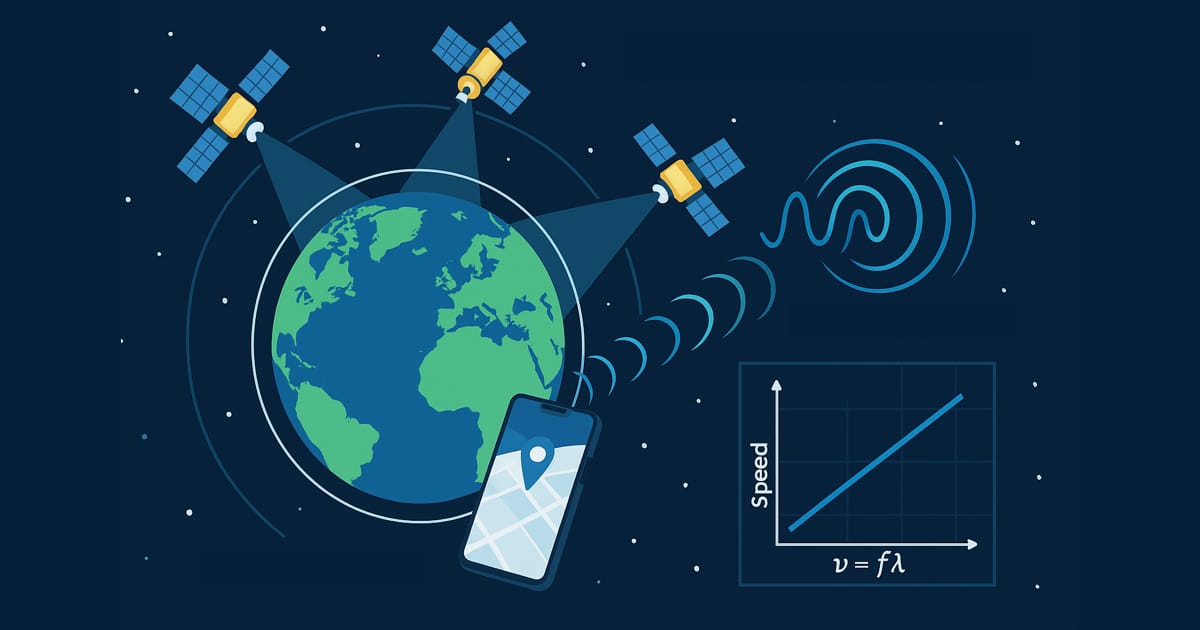
Table of Contents
A GPS speedometer displays an estimate of motion from the device’s location data. Dividing the distance between two positions by the elapsed time is one way to estimate speed. It is not the complete explanation of every speed value a phone supplies.
Our installed iPhone app receives a speed estimate from iOS. Our browser tool can use a speed value supplied by the browser or estimate speed from accepted position updates. Understanding that distinction helps explain why readings can differ, lag or become unavailable.
From satellite signals to a speed estimate
A GNSS receiver uses satellite radio observations to estimate position and time. GPS is one satellite navigation system; a phone may use other constellations and additional location inputs too. Apple describes a location system that can use GPS, cellular, Wi-Fi and Bluetooth information with your permission. Apple: Location Services.
Receivers can also use Doppler observations—the shift in a received signal’s frequency associated with relative motion—to help estimate velocity. This is a receiver technique, not proof that a particular app calculates speed directly from raw radio signals. ESA explains GNSS observables.
The operating system then makes location information available to software. An app receiving a speed value does not thereby know every sensor and calculation behind it.
How our two speedometers get their input
Installed iPhone app
- iPhone Location Services supplies a speed estimate.
- The app converts it to the selected units and displays the result.
Online browser tool
- Use a usable speed value supplied by the browser.
- If the speed value is missing, estimate from accepted position changes and their timestamps.
- Check readings and smooth accepted moving estimates before displaying speed.
Apple’s speed property is expressed in metres per second and has an invalid-value convention. The browser Geolocation interface also uses metres per second, but permits a missing speed value and does not require one particular sensor source.
The products handle unavailable data differently. Our browser distinguishes stale or unusable readings from accepted readings. A zero in the native app can also occur without a valid stationary measurement, so zero alone is not proof that the phone has confirmed you are stopped.
The two-position method: a simple example
Suppose two reported positions are 50 metres apart, with timestamps 5 seconds apart:
50 m ÷ 5 s = 10 m/s = 36 km/h ≈ 22.4 mph
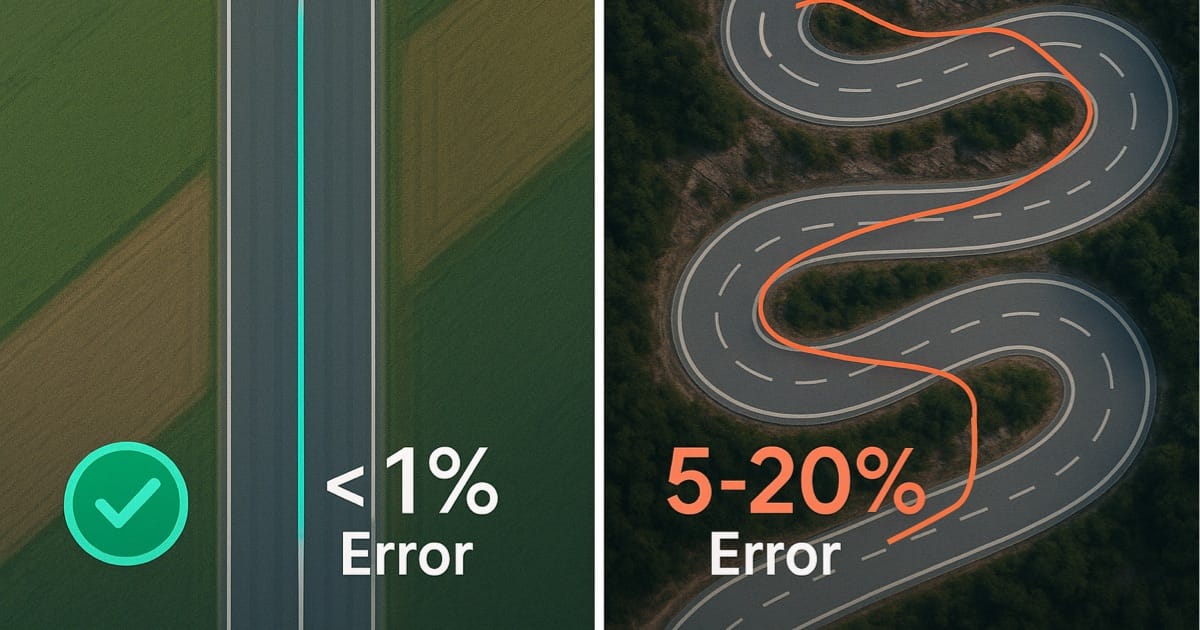
These are illustrative numbers for the calculation. The result estimates motion over that interval. If the actual route bends between the two points, their straight-line separation can miss some travelled distance. Position noise and gaps between updates also affect the estimate. See curves versus straight roads for that distinction.
A receiver-supplied velocity estimate is a different input. Knowing that a receiver can use Doppler does not establish the accuracy of the final phone display.
Position uncertainty is different from speed uncertainty
A location uncertainty measured in metres concerns where the device may be. A speed uncertainty measured in m/s, mph or km/h concerns the motion estimate. One cannot be treated as the other simply by relabelling it.
The ±m figure in our browser tool is positional information. Our native app’s signal indication also does not provide a certified speed-error range. Apple documents speed accuracy separately; that does not mean our app displays an independently measured speed-error bar.
Why a reading can jump, lag or show zero
- Reception changes: buildings, roofs, tunnels and reflected signals can interfere with location estimates. Internet access alone does not remove those obstacles.
- Updates arrive at different times: comparing numbers without their timing can make a delay look like a disagreement about speed.
- Filtering changes the presentation: our browser smooths accepted moving estimates. Smoothing can steady a display while making it less responsive to changes; steadiness does not prove accuracy.
- Slow or uncertain movement: filtering and rounding can produce zero. Check the reading’s status and reception instead of treating the number alone as proof of exact stillness.
GPS.gov separates satellite-service accuracy from receiver results. A satellite signal specification is not a measured error bound for this app or your phone.
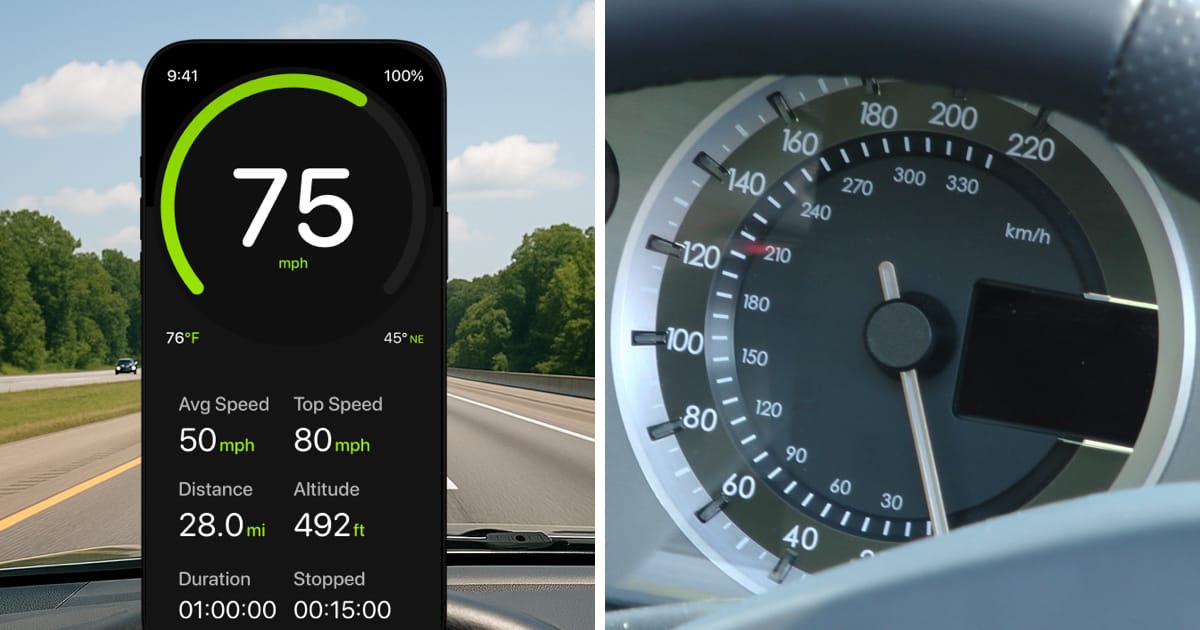
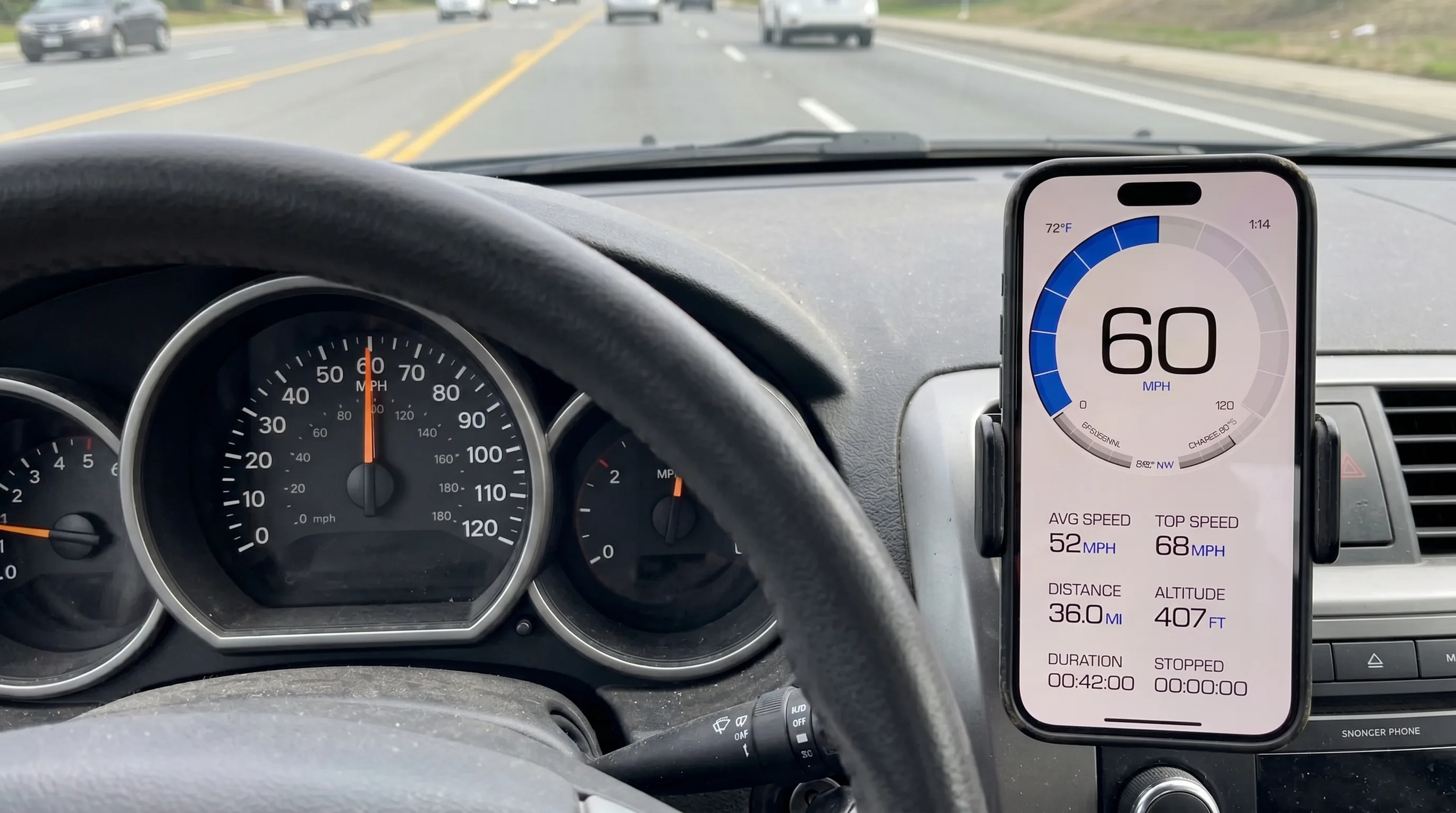
Prepare the phone while stopped and treat delayed, implausible or unavailable readings cautiously. A numerical performance claim needs an appropriate reference, synchronized observations and stated conditions. Our GPS-versus-dashboard guide explains how to compare readings; the offline guide separates reception from internet access.
Frequently Asked Questions
Does every GPS speedometer calculate between two points?
No. Distance divided by elapsed time is one method. Our browser tool can use it as a fallback when it has suitable position updates. Our native iPhone app receives speed from iOS Location Services; that does not establish a particular receiver method for every device.
Does Doppler mean an app is more accurate?
A receiver technique alone does not establish displayed app accuracy. Reception, the receiver, delivered updates and software processing all matter. A comparison needs measurements under stated conditions.
Does zero mean I am definitely stopped?
No. Zero can reflect an accepted low-motion estimate, rounding or an unavailable native speed estimate. Check for usable current location information; the number alone does not prove exact stillness.