

GPS Speedometer Guides
Short, honest how-to guides for getting the most out of GPS Speedometer on your iPhone. Every guide describes only what the app actually does — the core speedometer, trip recording, and units are free, and features such as GPX export, speed-camera alerts, and Picture-in-Picture are part of PRO.
Setup & how-to
Change the speed units (mph, km/h, knots)
Switch the live readout, trip stats, and HUD between miles per hour, kilometres per hour, and knots. Free on every tier.
Record a trip and export it as GPX
Log your full route offline, then export it as a standard GPX file for Strava, Komoot, or RideWithGPS. Recording is free; export is PRO.
Turn on speed-camera alerts
Enable the PRO SCDB.info speed-camera layer and understand why alerts differ from country to country.
Understand your trip stats
What max speed, average speed, distance, altitude, climb, and G-Force each mean — and which are free.
Feature guides
Two of the app’s signature features already have their own in-depth pages.
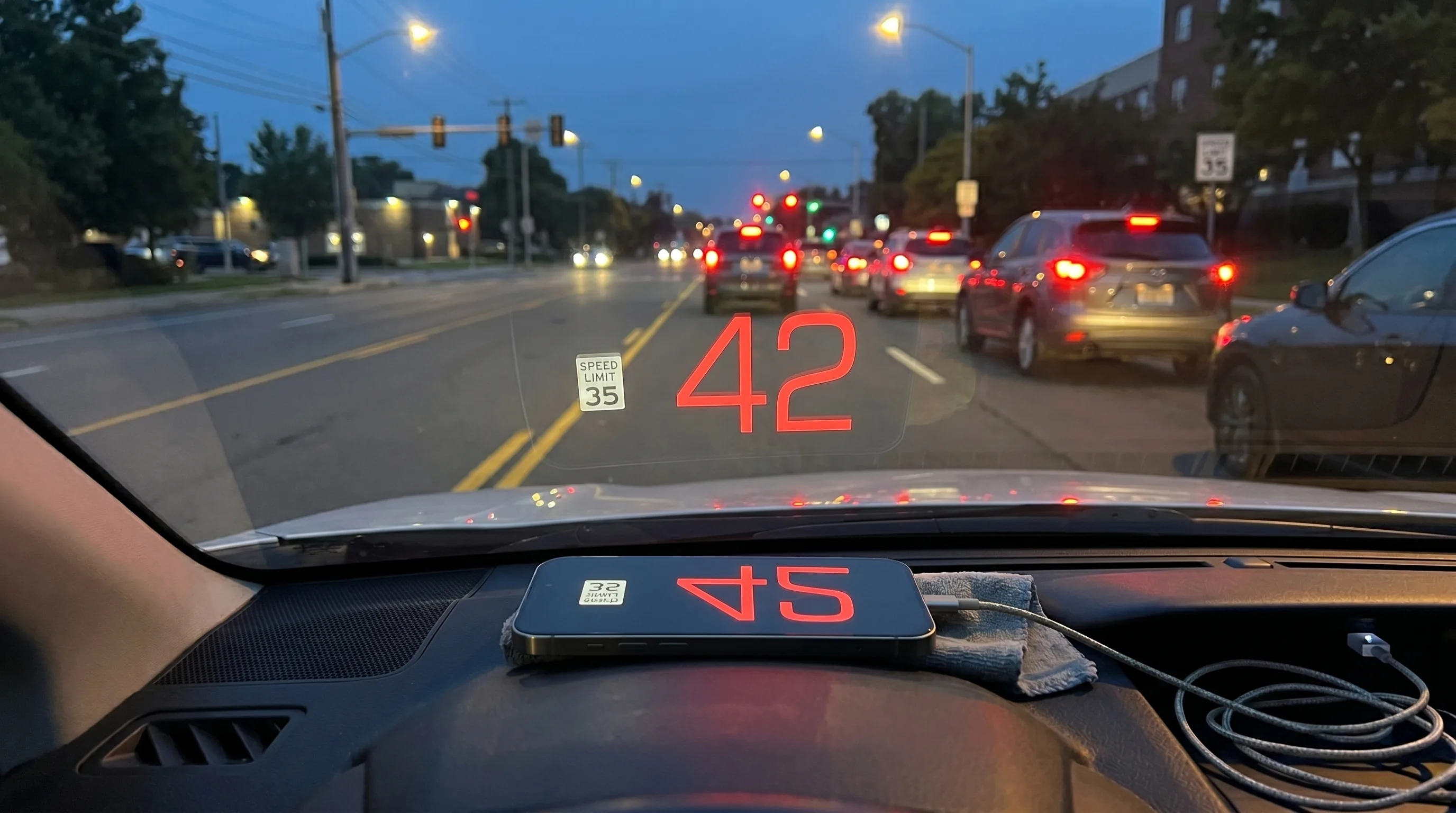
Set up HUD windshield mode
The full guide to mirroring your speed onto the windshield at night — the app’s HUD reflection mode.
Use Picture-in-Picture while navigating
Keep a floating speedometer visible on top of Apple Maps, Google Maps, or Waze. A PRO multitasking feature.
Looking for pricing? See free vs PRO, the battery guide, or the full FAQ.
Get GPS Speedometer on your iPhone
Free to download, no ads, and the core speedometer stays free forever.


Free download • On iPhone since 2014