

How do I turn on speed-camera alerts in GPS Speedometer?
GPS Speedometer’s speed-camera alerts are a PRO feature powered by the licensed SCDB.info database, covering 40+ countries. Once enabled with PRO, the app warns you as you approach a known fixed camera, and the alerts automatically follow each country’s rules — so what you see depends on where you are driving.
Enabling the alerts
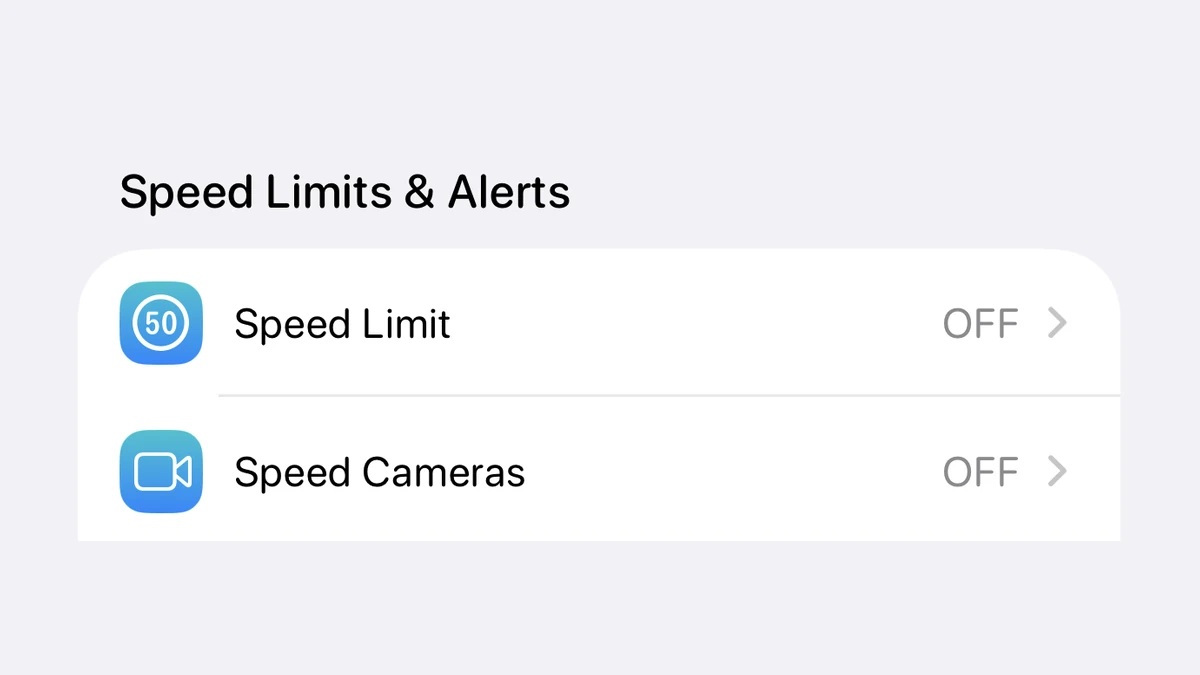
Speed-camera alerts are part of PRO, so the first requirement is an active PRO unlock (a one-time purchase or a subscription — either unlocks the same features). With PRO active, turn on the speed-camera alerts option in the app’s settings and grant location access so the app can compare your position against the camera database. From then on, the app warns you as you approach a known fixed camera on your route.
The data comes from SCDB.info, a professionally curated speed-camera database spanning 40+ countries. It is the same feature covered on the speed-camera app page.
Why alerts differ from country to country
The alerts are built to respect local law, so the behaviour changes with your location rather than being one fixed setting worldwide:
- France — shown as broader "danger zones" rather than exact camera points, in line with French rules.
- Switzerland — camera alerts are disabled by default.
- Germany — carries a passenger-mode disclaimer reflecting local guidance.
If you are researching the legal side rather than the setup, the speed-camera laws by country guide covers where these apps are allowed.
What the alerts do not do
The layer is deliberately limited to verified fixed cameras. It does not report mobile speed traps or user-reported cameras, and it is not a radar detector — it never scans for police signals, it only matches your GPS position against known camera locations. That distinction is what keeps a camera-alert app legal in most places where hardware radar detectors are banned. Speed-camera alerts pair naturally with automatic speed-limit alerts, also part of PRO.
Speed-camera alerts FAQ
Are speed-camera alerts free?
No. Speed-camera alerts are a PRO feature. They use the licensed SCDB.info database, which covers 40+ countries and is professionally maintained — that ongoing data cost is why the layer sits in PRO rather than the free core.
Why don’t I get camera alerts in some countries?
The alerts follow local law. In Switzerland, for example, they are disabled by default; France shows broader "danger zones" instead of exact camera points; and Germany carries a passenger-mode disclaimer. So what you see depends on where you are driving, by design.
Does it warn me about mobile or crowdsourced cameras?
No. GPS Speedometer only alerts you to verified fixed-camera locations from the SCDB.info database. It does not surface mobile speed traps or user-reported cameras, which keeps the alerts consistent and legally cleaner.
Is a speed-camera alert app the same as a radar detector?
No — they are different categories. A radar detector is hardware that scans for police radar signals and is banned in many countries. A speed-camera alert app matches your GPS position against a database of known fixed cameras, and apps are legal in most countries where detectors are not.
More help in the guides hub, the free vs PRO page, and the full FAQ.
Get approach alerts for known speed cameras
PRO speed-camera alerts powered by SCDB.info across 40+ countries.


Free download • On iPhone since 2014