
Apple Watch Speedometer: Three Ways to See Your Speed
Choose between Apple's cycling workout speed, a phone-assisted speedometer companion and a standalone Watch app for phone-free use.
Table of Contents
Apple Watch can show speed, but the right setup depends on what you are doing and whether the Watch app depends on an iPhone.
For an outdoor bicycle workout, Apple’s own Workout app is the clearest starting point: Apple documents current speed and average speed in its Outdoor Cycle workout views. A third-party Watch app may instead be a companion that receives speed from an iPhone, or it may calculate and record independently on the Watch. Those are different product designs.
Choose by the job
| Your goal | Best place to start | Phone relationship |
|---|---|---|
| See speed with workout, heart-rate and distance metrics while cycling | Apple Workout → Outdoor Cycle | Apple’s documented Watch workout flow |
| See and control an iPhone speedometer trip from your wrist | A phone-assisted companion | Paired iPhone supplies the live trip data |
| Leave the iPhone behind and use a third-party speedometer | An explicitly standalone Watch app | Verify that the app documents independent Watch GPS and recording |
The word “Apple Watch app” does not by itself tell you which row applies. Check whether the product says companion, requires iPhone, or standalone before relying on it away from your phone.
Option 1: use Apple’s Outdoor Cycle workout
Apple’s watchOS 26 cycling guide lists current speed in the Metrics 2 and Cycling workout views. It also lists average speed, distance, elevation and heart-rate metrics.
To start:
- Open Workout on Apple Watch.
- Turn the Digital Crown to Outdoor Cycle.
- Start the workout.
- Turn the Digital Crown during the workout to move through the available views and find a view that includes current speed.
Apple also says a cycling workout appears as a Live Activity on the paired iPhone, where you can open the workout metrics. Compatible Bluetooth cycling accessories can add cadence and power information. Those training features make Workout a better fit when speed is one part of a ride record.
Option 2: use a phone-assisted speedometer companion
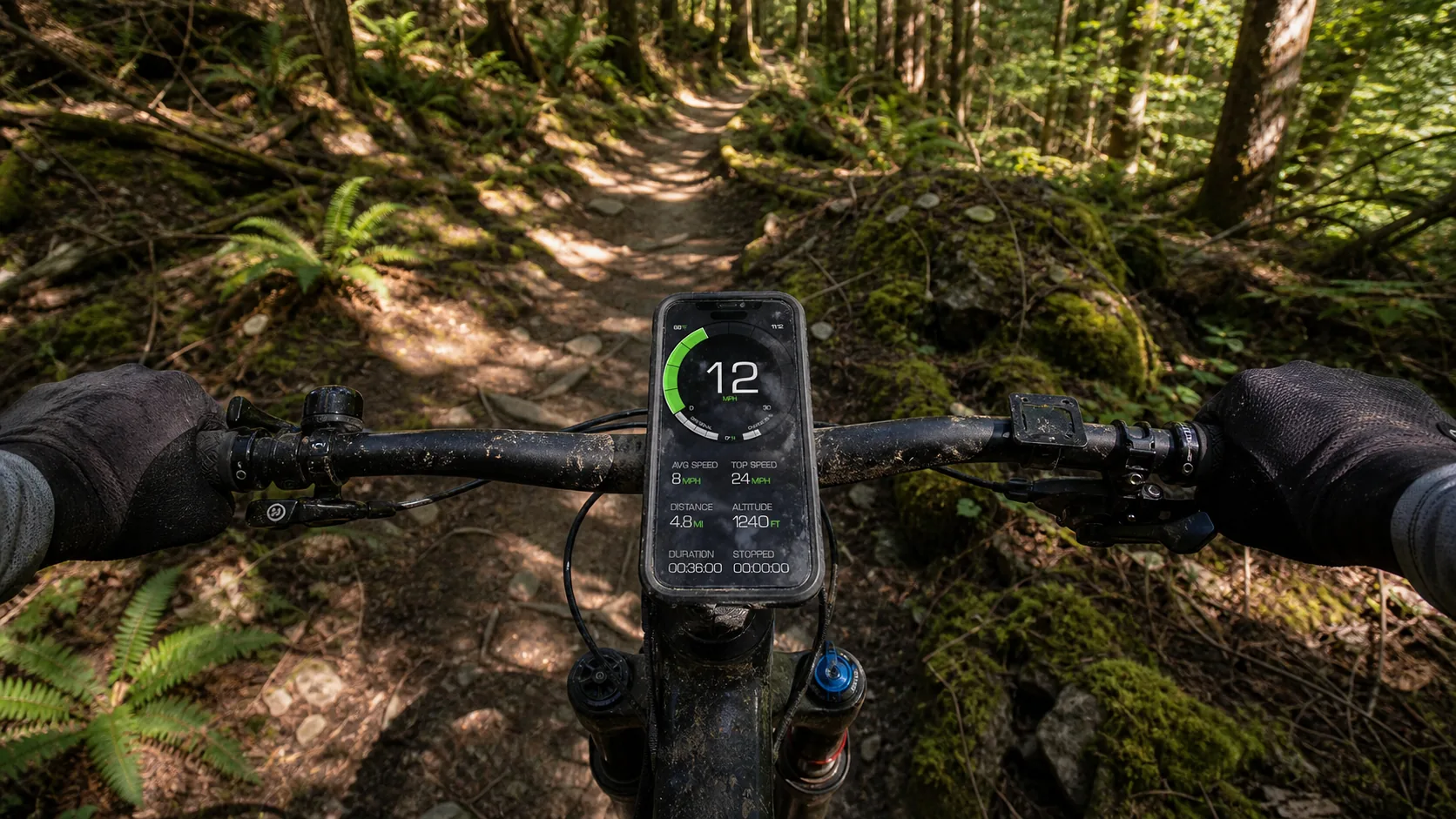
We make GPS Speedometer MPH Tracker, which includes an Apple Watch companion. The paired iPhone supplies speed, distance, duration and trip status. From the Watch, you can start, pause, resume and stop the iPhone app’s trip.
This is a phone-assisted companion, not a standalone Watch GPS recorder. Keep the paired iPhone with you. If the phone is unreachable or updates stop, the Watch can show a disconnected or stale state rather than a fresh independent reading.
That arrangement fits someone who already wants the iPhone app’s speedometer and trip workflow but prefers a wrist display and trip controls. It does not fit a phone-free ride.
Option 3: choose a standalone Watch app
If your requirement is “leave the iPhone at home,” look for a third-party product that explicitly says its Watch app calculates speed and records the activity independently. Confirm all of these before a trip:
- The current Watch app works without the paired iPhone nearby.
- Your Apple Watch model and watchOS version are supported.
- Live speed, recording, route saving and export are available at the price you expect.
- The app explains what happens when GPS is weak or unavailable.
Do not infer standalone operation from an Apple Watch badge, screenshot or compatibility line. A companion can install on the Watch while still depending on the phone for live data.
What about running, driving or skiing?
Apple’s cycling guide is specific evidence for current speed in Outdoor Cycle. Other workout types use different metrics: running commonly emphasizes current pace, for example. Check the workout views for the activity you intend to record.
For driving or another non-workout task, use a product whose listing describes that use and whose display is safe for the situation. Set it up before moving. Never operate the Watch or phone while controlling a vehicle.
A browser page is not a Watch app
The online speedometer is useful for a foreground speed check in a phone browser. It is not an Apple Watch app and should not be treated as a standalone wrist speedometer.
Frequently asked questions
Does Apple Watch show current cycling speed?
Yes. Apple’s watchOS 26 guide lists current speed in two Outdoor Cycle workout views. Start an Outdoor Cycle workout and move through the included views with the Digital Crown.
Is GPS Speedometer MPH Tracker standalone on Apple Watch?
No. Its current Watch implementation is a companion that exchanges live speed and trip data with the paired iPhone. It should not be recommended for a phone-free Watch workflow.
Can every Apple Watch speedometer work without an iPhone?
No. Some are companions and some operate independently. Verify the exact app, Watch model, current version and feature gate before leaving the phone behind.
Is cycling speed the same as running pace?
No. Speed is distance per unit of time, such as mph or km/h. Pace is time per unit of distance, such as minutes per mile. Apple exposes different views and metrics for different workout types.
Sources
- Apple: Go cycling with Apple Watch, checked 10 September 2026 for watchOS 26 cycling views and current-speed metrics.
- Apple: Adjust Apple Watch during a workout, checked 10 September 2026 for switching workout views with the Digital Crown.