

Speedometer Error Calculator for Bigger Tires
This free calculator estimates how a tire-size change affects speed and distance readings. Enter the original and new sizes to compare nominal diameters and view the estimated speed in mph or km/h. The estimate assumes the original display was accurate with the original tires and the vehicle’s calibration is unchanged; it is not a measurement of your vehicle.
Calculate Your Speedometer Error
Enter your old and new tire sizes. Results update as you type.
Format auto-detected per field. Try 225/65R17 (metric), 33x12.50R17 (imperial flotation), 28.5 (inches), or 724 (millimetres). Mix freely.
This estimate assumes the original tires gave an accurate reading and the vehicle calibration is unchanged. Nominal dimensions do not measure rolling circumference; tire model, pressure, load and wear can affect the result.
Comparison at common speeds
| Indicated | Estimated | Diameter change |
|---|
Distance during the affected interval
Enter only the indicated distance accumulated with the changed tires, not the lifetime odometer reading. The estimate assumes the odometer recorded distance accurately with the original tires and its calibration is unchanged. A later tire change does not affect earlier distance.
How bigger and smaller tires skew the reading
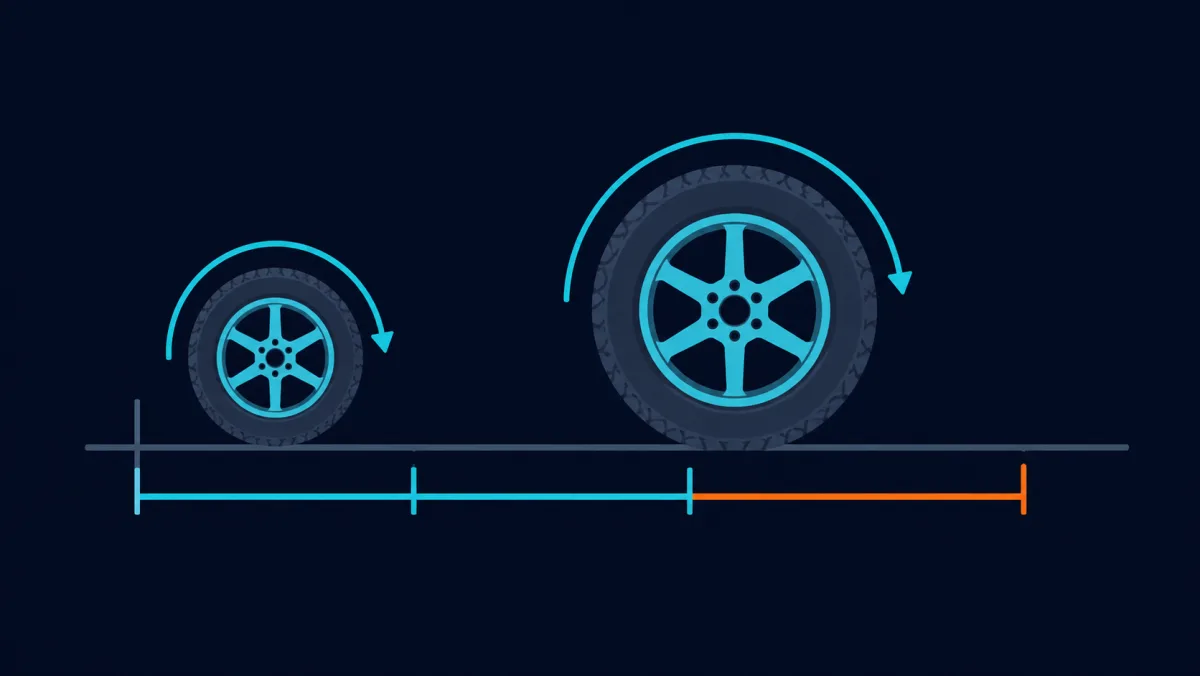
A wheel-based speedometer converts rotation rate into an indication using its calibration. A larger rolling circumference covers more ground per revolution; a smaller circumference covers less. The calculator approximates this change with nominal diameters. Existing instrument bias can remain, so a larger tire does not necessarily make the dashboard read below actual speed. Real rolling circumference also depends on tire model, pressure, load and wear.
The percentage describes nominal diameter change relative to the original size, not measured instrument error. Under the model, a 3% increase gives an estimated difference of 1.5 mph at 50 mph indicated or 2.4 km/h at 80 km/h indicated. For distance, apply the ratio only to the indicated interval driven with the changed tires. At a ratio of 1.05, 10,000 indicated distance units in that interval become an estimated 10,500, assuming an accurate original odometer and unchanged calibration. Earlier distance is not changed by a later tire swap.
The calculator detects formats automatically: metric 225/65R17, flotation 33x12.50R17, or a direct diameter in inches or millimetres. There is no separate format selector. You can mix supported formats and choose mph or km/h; this tire calculator does not offer knots. For a worked example and the model’s limits, see the tire-size speedometer error guide.
How to read your result
Estimated speed applies the new-to-old nominal diameter ratio to the indicated speed you select. Nominal diameter change is positive for a larger diameter and negative for a smaller one; it is not a measured error relative to actual speed. The estimated difference is the change in mph or km/h at that indication. Zero nominal change does not verify an accurate instrument.
The comparison table applies the same assumptions at several indicated speeds. The distance panel covers only the interval driven with the affected tires. An unusually large-change warning prompts you to check the inputs; it is not a fitment, safety or legal limit. No percentage alone establishes safe tire fitment, accurate instruments or permission to ignore calibration.
How to approach vehicle calibration
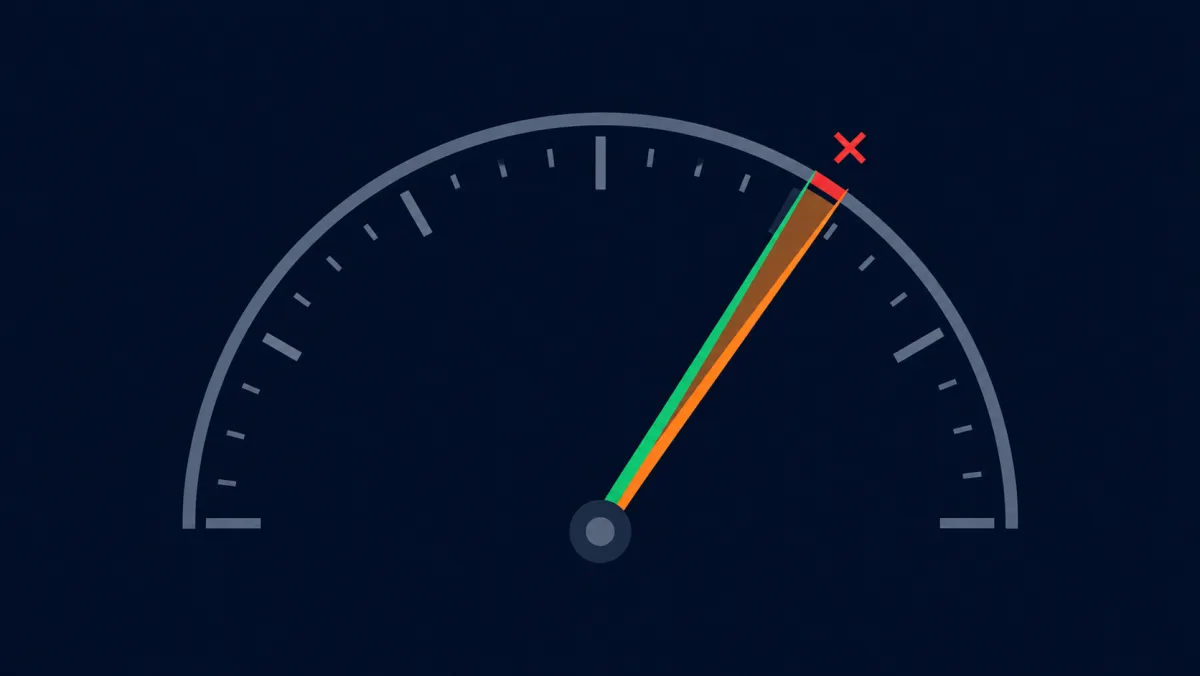
This calculator cannot move the dashboard needle or decide whether a vehicle is roadworthy. Calibration methods depend on the vehicle: a compatible programmer, an inline module or a workshop procedure may be appropriate. Check the exact model, year and transmission, and the manufacturer’s instructions. Before changing tire sizes:
- Confirm the vehicle’s approved tire sizes.
- Check wheel compatibility, load ratings and clearance with qualified advice.
- Ask whether the speedometer, odometer or other vehicle systems need adjustment.
- Use a supported calibration method and verify the result after installation.
A GPS display is not a substitute for required vehicle work. It may help compare speed estimates, but it does not correct the odometer or prove that a small tire change is acceptable. For more background on instrument faults and possible repair paths, see the broken-speedometer replacement guide.
You can use the live GPS speedometer or the MPH speedometer app as a supplementary speed reference. GPS is independent of wheel rotation, but reception, processing and device quality affect the estimate. Set up the phone while parked, or have a passenger observe it; a disagreement with the dashboard does not identify which reading is wrong.
Embed this calculator
Run a tire, off-road or auto site? Drop this calculator straight into your own page. It is free to use — just keep the credit line underneath, which is already in the snippet. Copy it below:
The embedded page loads our site’s OpenPanel analytics. The copied snippet keeps the iframe and credit link shown above. Preview it in a new tab.
Speedometer calibration — frequently asked
Do bigger tires make my speedometer read fast or slow?
A larger rolling circumference covers more ground per wheel revolution; a smaller one covers less. This changes the relationship if vehicle calibration is unchanged. The calculator estimates that change from nominal diameters. Existing instrument bias can remain, so larger tires do not necessarily make the dashboard read below actual speed.
How do I adjust my speedometer for bigger tires?
Check the manufacturer’s approved tire sizes and calibration procedure for your vehicle. A compatible programmer, inline module or workshop adjustment may be appropriate, depending on the model. This calculator estimates a nominal change; a GPS app provides a separate speed estimate. Neither changes vehicle settings or replaces required repair and calibration.
Is the Hypertech speedometer calibrator worth it, or is this calculator enough?
Hypertech offers calibration products for specific vehicles. Some program supported settings; others use an inline module. Check the exact product’s fitment and installation instructions. We do not sell this hardware. This calculator estimates the effect of nominal tire dimensions and does not determine whether a particular device is suitable or needed.
What does the Rough Country speedometer calibrator do?
Rough Country offers calibrators for selected vehicles. Features, exclusions and installation methods vary by product, so check the manufacturer’s current fitment information. We do not sell these devices. A calculated percentage does not establish compatibility or guarantee that the vehicle’s instruments will be corrected.
How accurate is this speedometer calibration calculator?
This is a conditional geometric estimate, not a road-accuracy test. It assumes the original display was accurate with the original tires and that calibration is unchanged. Nominal dimensions differ from measured rolling circumference; tire model, pressure, load, wear and instrument calibration can affect the result. No fixed road-accuracy percentage is established here.
Do I even need to recalibrate, or can I just use a GPS speedometer?
GPS can provide a supplementary speed estimate independent of tire rotation, subject to reception and device limitations. It does not recalibrate the vehicle or replace required instruments, inspection or repair. A small nominal change does not establish that calibration can be ignored; ask the manufacturer or a qualified workshop about your vehicle.
Add a GPS speed reference
Use GPS Speedometer for a supplementary estimate in mph, km/h or knots, with usable location data. GPS does not recalibrate your vehicle.


Free core speed tracking works offline with usable location data. Optional features require PRO.